


Welcome to the Future of Frugal Side Hustles
If you are like most people, your smartphone is currently a digital graveyard for thousands of photos. From that perfectly plated avocado toast to the sunset you captured last Tuesday, these images are just sitting there taking up storage space. But what if I told you that those very photos could be working for you? As a Frugal Hacker, I am always looking for ways to turn existing assets into extra cash, and your camera roll is a literal goldmine waiting to be tapped. In the world of stock photography, the demand for authentic, everyday imagery has never been higher. Marketing agencies, bloggers, and small business owners are tired of overly staged, plastic-looking professional photos. They want the ‘real’ vibe that only a smartphone can capture. In this comprehensive guide, we are going to break down exactly how you can start selling your photos for $50, $100, or even $500 a month without spending a single penny on new equipment. We are using what we already have to create a stream of passive income that grows while you sleep. Let’s dive into the Action Plan and turn those pixels into profit!
The Action Plan: Why Your Phone is a Goldmine
The Shift in the Stock Photo Market
For decades, the stock photography world was dominated by high-end DSLR cameras and expensive studio lighting. However, the rise of social media has changed the game. Today, brands want content that looks relatable. They want photos that look like they were taken by a friend, not a corporation. This is where your smartphone comes in. Modern phone cameras are more than capable of producing high-resolution images that meet the technical requirements of major stock agencies. By leveraging the device already in your pocket, you eliminate the overhead costs of a traditional photography business. This is the ultimate frugal move: zero investment, high potential return.
The Microstock Revolution
We are focusing on the ‘Microstock’ model. This means you sell your photos to agencies that license them to buyers for a small fee. While you might only make a few cents or dollars per download, the magic is in the volume. One photo can be sold thousands of times over several years. Imagine taking a photo of a coffee cup today and receiving a $1.50 royalty every month for the next five years. That is the definition of working smarter, not harder.
The Platforms: Where to Sell Your Snaps
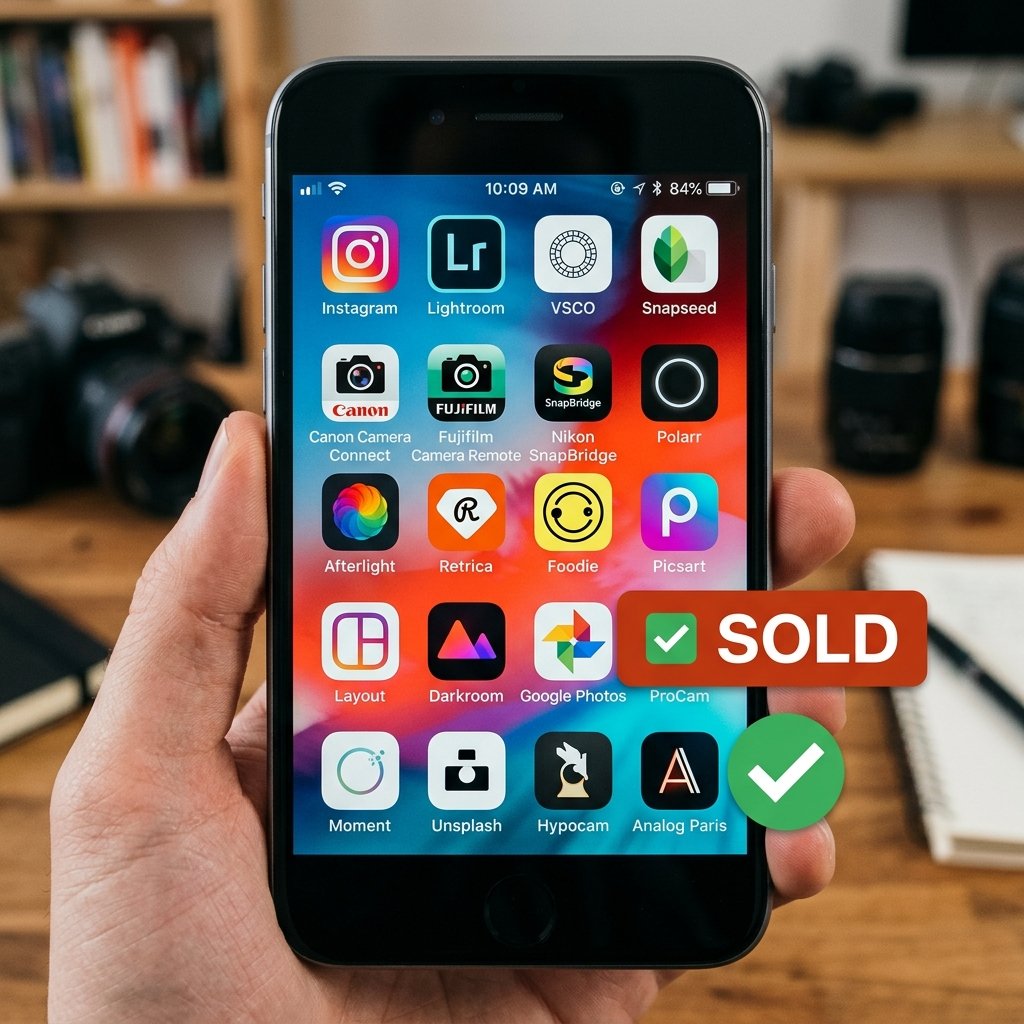
Choosing the Right Marketplace
Not all photo apps are created equal. Some are better for beginners, while others offer higher payouts for high-quality work. To maximize your earnings, you should consider a multi-platform approach. Here is a breakdown of the top contenders for turning your camera roll into cash.
| App Name | Commission Rate | Best For |
|---|---|---|
| Shutterstock Contributor | 15% – 40% | High volume of sales |
| Adobe Stock | 33% | Integration with Creative Cloud |
| Foap | 50/50 Split | Brand Missions and Challenges |
| EyeEm | Variable | High-end aesthetic and commercial sales |
| Alamy | Up to 50% | Exclusive and non-exclusive options |
Shutterstock and Adobe Stock: The Big Players
These are the heavy hitters. Shutterstock is fantastic because of its massive user base. You might earn less per photo, but the sheer number of buyers means your photos get seen. Adobe Stock is equally powerful because your photos appear directly inside Photoshop and Illustrator, making it incredibly easy for designers to buy your work on the fly.
Foap: The Beginner’s Favorite
Foap is unique because it is designed specifically for mobile users. You can upload photos directly from your phone and join ‘Missions’—specific requests from brands like Pepsi or Nivea. If your photo wins a mission, you can earn $100 or more for a single image.
The Blueprint: Capturing Photos That Actually Sell

What Do Buyers Actually Want?
Success in stock photography isn’t about taking ‘pretty’ pictures; it’s about taking ‘useful’ pictures. A photo of a beautiful flower is nice, but there are already millions of them. A photo of a person using a specific app, a multi-generational family eating dinner, or a clean home office setup is much more valuable. To help you get started, use my Keyword Formula Script to name and tag your photos for maximum visibility.
Title Formula: [Main Subject] [Action] in [Location] for [Concept/Vibe]. Example: ‘Young woman working on laptop in sunny cafe representing remote work lifestyle.’
High-Demand Categories
- Authentic Lifestyle: People doing everyday things—cooking, laughing, walking the dog.
- Business & Tech: Home offices, video calls, and hands typing on keyboards.
- Sustainability: Recycling bins, solar panels, and reusable shopping bags.
- Diversity & Inclusion: Images that represent different ages, ethnicities, and abilities.
- Seasonal Content: Take photos of Christmas decorations in July so they are ready for the buying season!
Remember, the goal is to solve a problem for a designer. If they need an image for an article about ‘saving money,’ they are looking for piggy banks, coupons, or a person looking at a budget spreadsheet. Think like a marketer, not just an artist.
The Technical Tutorial: Editing and Quality Control
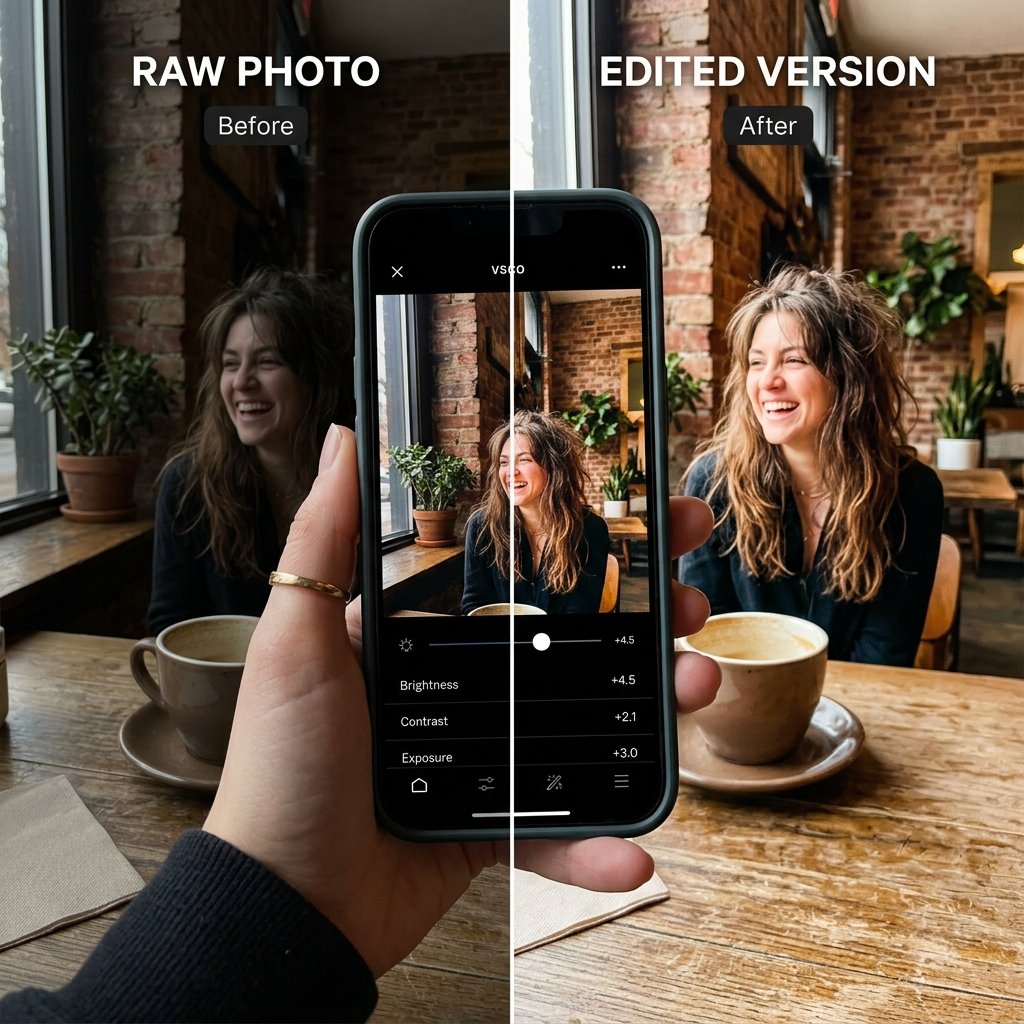
How to Make Your Photos Professional-Grade
You don’t need Photoshop to make your photos look great. There are several free or low-cost apps that can help you touch up your images before you upload them. The key is to keep it natural. Over-editing is the fastest way to get your photo rejected by an agency.
- Lighting is Everything: Always aim for natural light. The ‘Golden Hour’ (the hour after sunrise or before sunset) provides a soft, warm glow that makes everything look better.
- The Rule of Thirds: Turn on the grid lines on your camera. Place your subject at the intersection of those lines to create a more balanced and professional composition.
- Clean Your Lens: This sounds simple, but a smudge on your lens can ruin a great shot. Wipe it with a microfiber cloth before every session.
- Use Snapseed or Lightroom Mobile: These free apps allow you to adjust exposure, contrast, and white balance without losing image quality.
Cost Breakdown: DIY Editing vs Professional Software
| Tool | Cost | Savings |
|---|---|---|
| Adobe Lightroom Mobile (Free version) | $0 | $120/year (vs Desktop) |
| Snapseed | $0 | $50+ (vs paid alternatives) |
| Canva (Free for basic touch-ups) | $0 | $150/year (vs Pro) |
By using these free tools, you are keeping your overhead at zero, which is the Frugal Hacker way. Every dollar you don’t spend on software is a dollar that stays in your pocket.
The Realistic Earning Potential: Managing Expectations

The Math of Passive Income
Let’s be real: you probably won’t become a millionaire overnight by selling photos of your cat. However, with consistency, you can build a very respectable side income. The key is the ‘Snowball Effect.’ The more photos you have in your portfolio, the more ‘digital real estate’ you own.
| Portfolio Size | Monthly Income Estimate | Time Investment |
|---|---|---|
| 50 Photos | $5 – $15 | 5 hours total |
| 500 Photos | $50 – $150 | 2 hours/week |
| 2000+ Photos | $300 – $1,000+ | 5 hours/week |
If you upload just 10 photos a week, you will have over 500 photos in a year. At that level, you could be covering your monthly cell phone bill or grocery run entirely from passive photo royalties. Over 5 years, a portfolio of 2000 photos could generate $18,000 to $60,000 in cumulative earnings. That is the power of compounding effort!
The Warning: Spotting Photography Scams

Protect Your Assets and Your Wallet
As with any online side hustle, there are predators looking to take advantage of beginners. You must stay vigilant and protect your work. A legitimate stock agency will never ask you for money upfront. They make money when you make money.
Scam Warning: If a website or ‘agent’ asks you to pay a registration fee, a ‘portfolio review fee,’ or a ‘hosting fee’ to sell your photos, walk away immediately. Legitimate platforms like Shutterstock, Adobe, and Alamy are 100% free for contributors.
Legal Essentials: Model Releases
If your photo features a recognizable person or a private property (like a unique building or a logo), you must have a signed release. Without it, the agency cannot sell the photo for commercial use. Most apps like Foap and Adobe Stock have built-in digital release forms that you can have people sign right on your phone screen. Never skip this step, or you risk having your account banned or facing legal issues.
Conclusion
Final Thoughts: Start Today, Profit Tomorrow
Turning your camera roll into cash is one of the most accessible frugal side hustles available today. You already have the hardware, you already have the subject matter, and now you have the strategy. Start by going through your last 30 days of photos. Delete the blurry ones, edit the best ones, and upload them to one of the platforms we discussed. Don’t worry about being ‘perfect’—focus on being ‘prolific.’ The more you upload, the more you learn what the market wants. This is a marathon, not a sprint, but the rewards of seeing that first $0.25 or $5.00 royalty notification are incredibly motivating. You are no longer just a consumer of technology; you are a creator using it to build financial freedom. Now, get out there and start snapping! Disclaimer: I am not a financial advisor. Earning potential is based on industry averages and individual results may vary based on photo quality and market demand.

Makenzie is the founder and lead writer at MoneyHackTips.com — a personal finance blog dedicated to delivering street-smart financial wisdom for real people on real budgets. With 300+ published articles covering everything from debt management to investing fundamentals, Makenzie’s mission is to make every dollar work harder. When not writing about money hacks, Makenzie is testing frugal living strategies, optimizing side hustles, and helping readers build financial freedom from scratch.