

Welcome to the World of Zero-Cost Publishing!
Hey there, fellow frugal hackers! If you have ever dreamed of seeing your name on a book cover but felt paralyzed by the supposed ‘startup costs’ of self-publishing, I have some incredible news for you. You don’t need a $2,000 budget to become a published author. In fact, you don’t even need $2. I am going to show you exactly how to navigate the Amazon Kindle Direct Publishing (KDP) ecosystem using nothing but your creativity, some free digital tools, and a bit of ‘sweat equity.’
The traditional publishing world wants you to believe that you need gatekeepers. The modern self-publishing world often tries to sell you expensive ‘masterclasses’ or ‘formatting services.’ We are going to bypass all of that. By the end of this guide, you will have a step-by-step action plan to take your manuscript from a messy Google Doc to a live listing on Amazon, available to millions of readers worldwide, for a grand total of $0. Let’s dive into the ultimate side hustle for the budget-conscious creator!
The Action Plan: Writing and Preparation
Setting the Foundation Without Spending a Dime
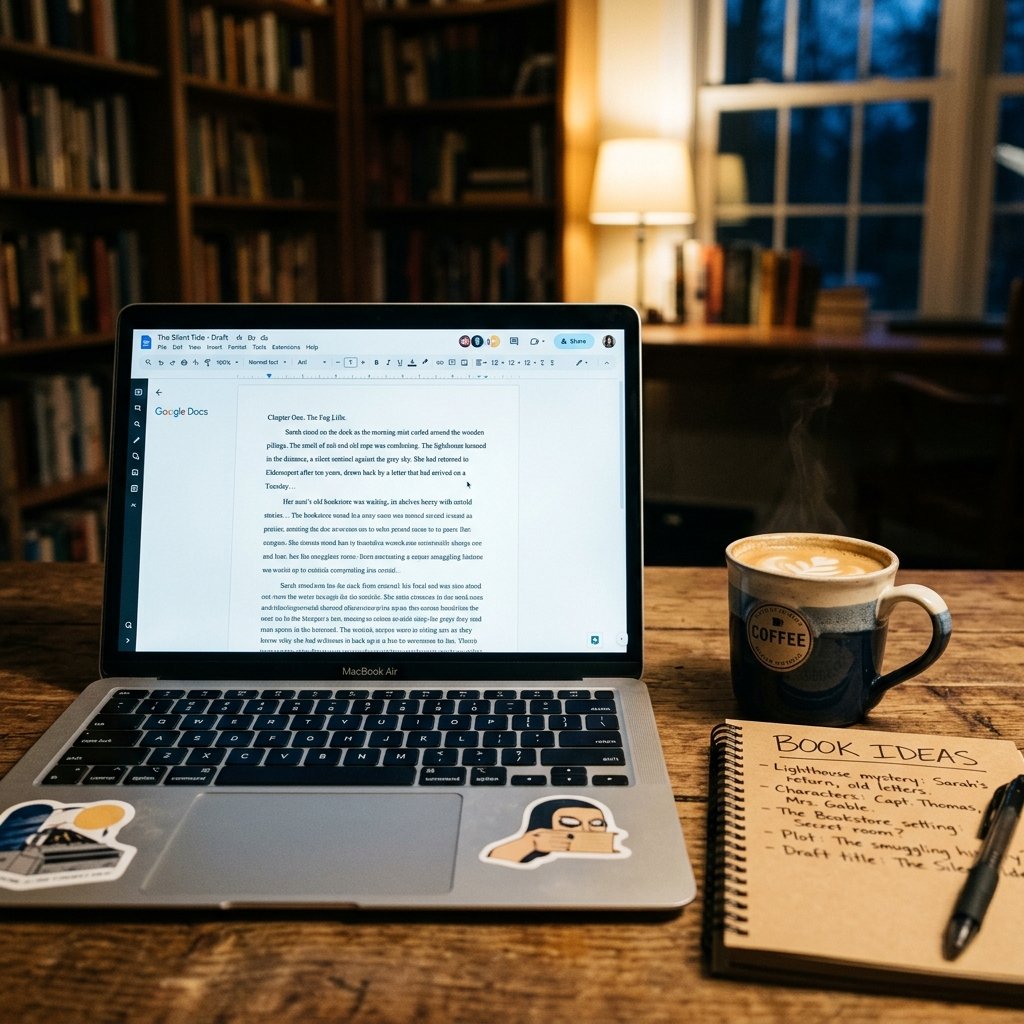
Before you even think about uploading to Amazon, you need a high-quality product. But high quality doesn’t mean high cost. Your first step is to choose a niche that actually sells. Use the Amazon search bar to see what people are looking for. Look for ‘Best Seller’ badges in categories like ‘Frugal Living,’ ‘Short Stories,’ or ‘How-To Guides.’
The Free Toolset
You don’t need expensive software like Scrivener. Here is the frugal hacker’s toolkit:
- Google Docs: Perfect for writing and cloud-saving.
- LibreOffice: A free, open-source alternative to Microsoft Word.
- WaveMaker: A fantastic free novel-writing tool for those who like cards and planning.
Write your heart out. Aim for a word count that fits your genre. For a non-fiction guide, 10,000 to 20,000 words is a great starting point. For fiction, follow the conventions of your genre. Remember, the goal is to provide value or entertainment that keeps readers coming back.
Editing and Formatting: The DIY Way
Polishing Your Gem for Free
Editing is where most authors lose their shirts. Professional developmental editing can cost $1,000 or more. As a frugal hacker, you are going to use a multi-pass self-editing system.
The Three-Pass System
- The AI Pass: Use the free version of Grammarly or ProWritingAid to catch basic typos and grammar slips.
- The Text-to-Speech Pass: Use a free screen reader to listen to your book. Your ears will catch awkward phrasing that your eyes missed.
- The Beta Reader Pass: Join writing groups on Facebook or Reddit (like r/BetaReaders) and swap manuscripts with other authors. It costs $0 and provides invaluable feedback.
Formatting for Kindle
Amazon provides a free tool called Kindle Create. It’s a literal lifesaver. You just import your Word or Google Doc, and it helps you create a professional-looking layout with chapters, drop caps, and a table of contents. No need to hire a formatter for $200!
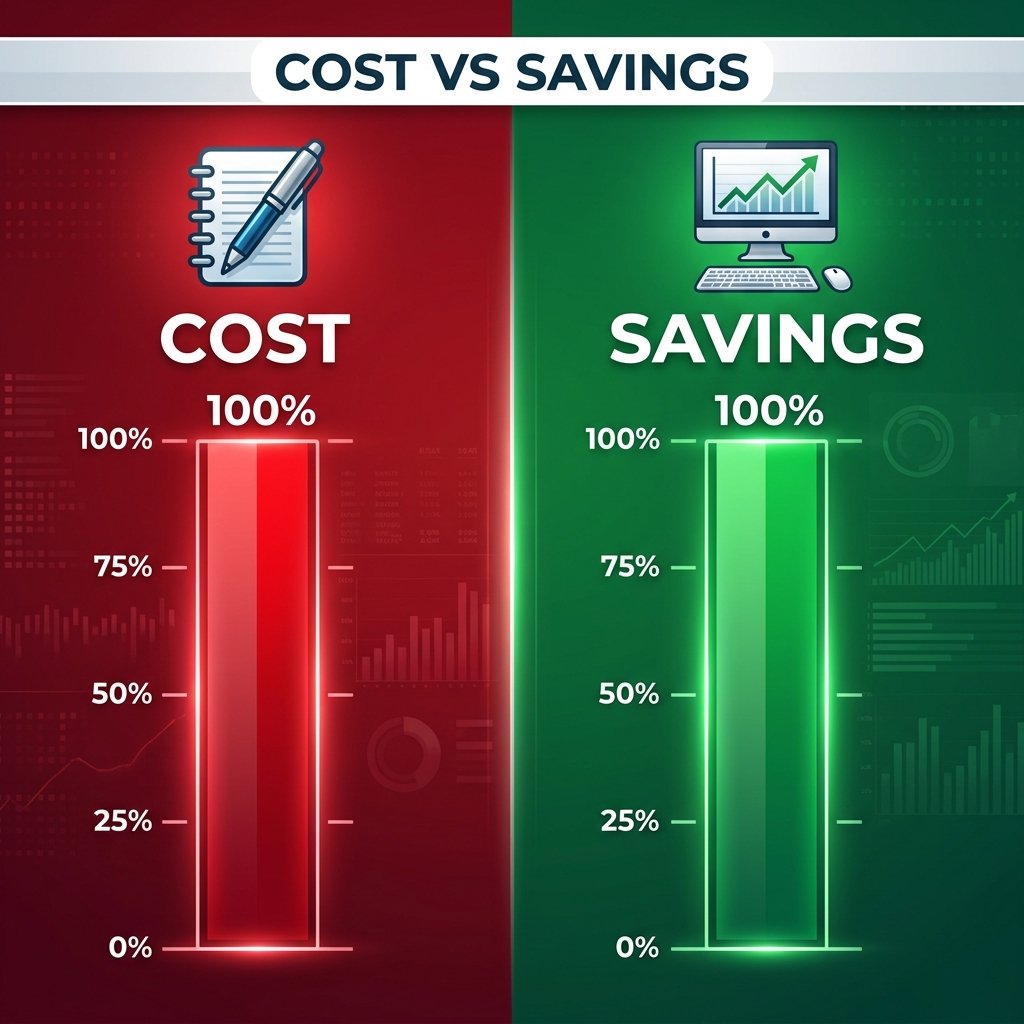
| Expense Item | Professional Cost | Frugal Hacker Cost ($0) |
|---|---|---|
| Editing | $500 – $2,000 | $0 (Self-Edit + AI) |
| Formatting | $100 – $300 | $0 (Kindle Create) |
| Total Savings | $600 – $2,300 | 100% Savings |
Professional Cover Design on a Zero Budget
Don’t Judge a Book by Its Cost
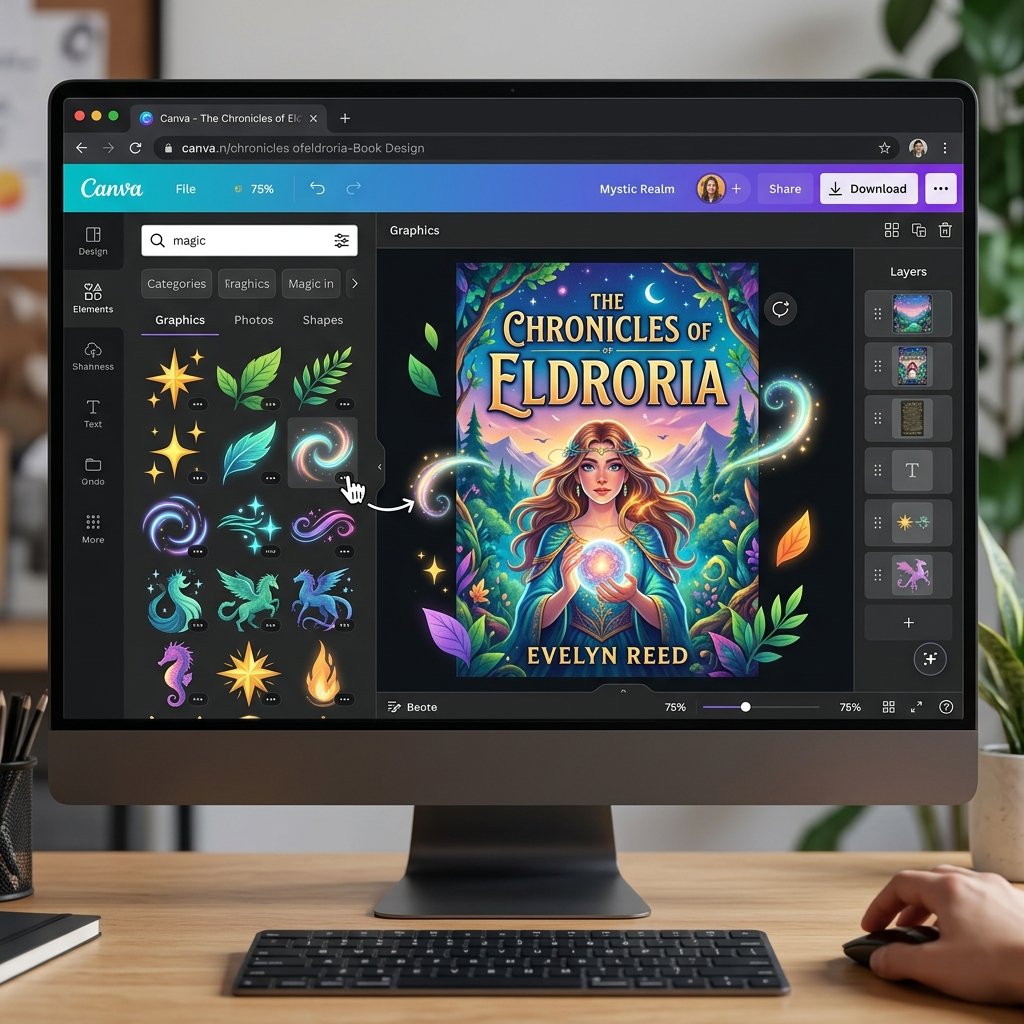
People do judge books by their covers. Fortunately, you can make a stunning one for free. Canva is your best friend here. They have thousands of ‘Book Cover’ templates specifically designed for Amazon KDP.
Finding Free Assets
- Unsplash & Pexels: For high-quality, royalty-free stock photos.
- Pixabay: Great for illustrations and vectors.
- Google Fonts: For unique typography that sets your book apart.
Make sure your title is legible even in a tiny thumbnail. Look at the best-sellers in your category. Are their covers dark and moody? Bright and cheerful? Mimic the vibe (not the design) to signal to readers that your book belongs in that category.
The 10-Step KDP Upload Process
The Mechanics of Publishing
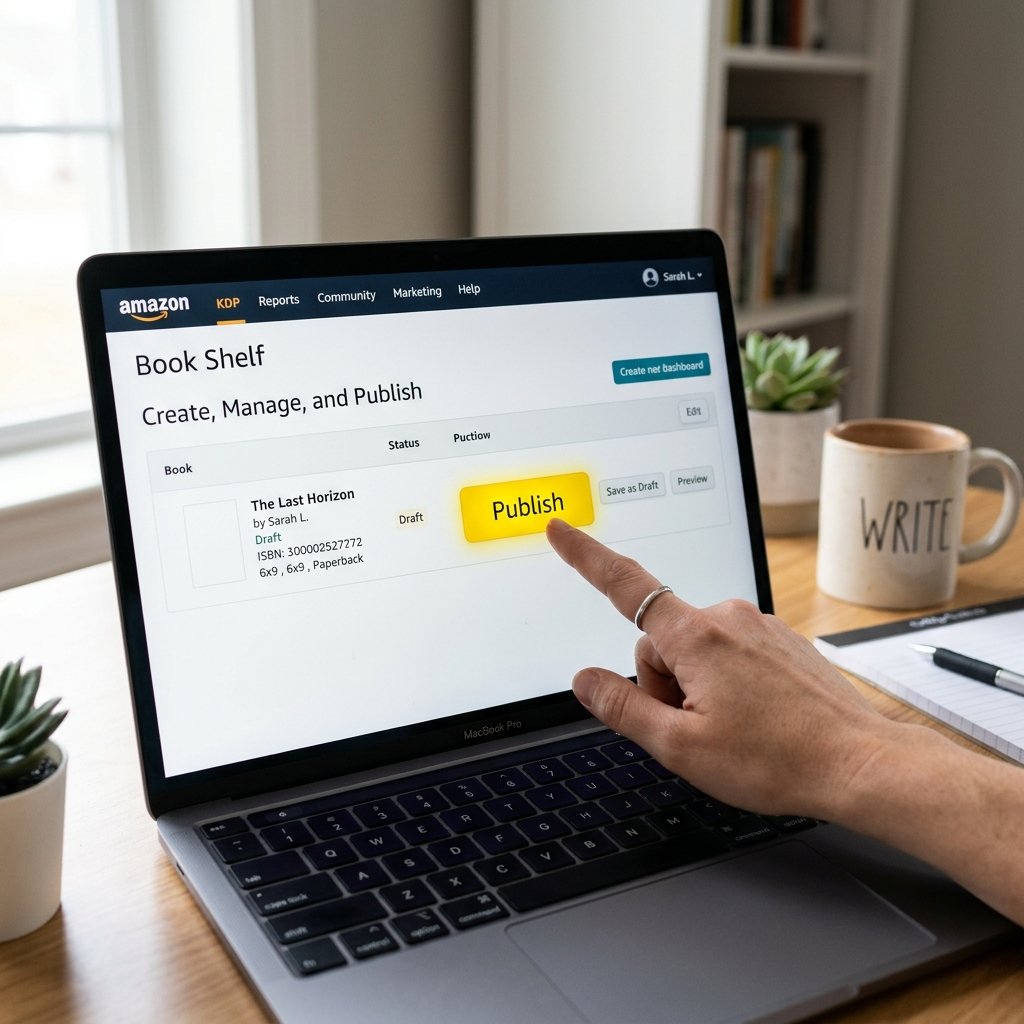
Now that your manuscript and cover are ready, it’s time to go live. Follow these steps carefully:
- Log into kdp.amazon.com with your existing Amazon account.
- Complete your tax and banking information (so you can get paid!).
- Click ‘Create’ and choose ‘Kindle eBook’ or ‘Paperback.’
- Enter your Title, Subtitle, and Author name.
- The Description: Use HTML tags like <b> and <i> to make your description pop. This is your sales pitch!
- Keywords: Choose 7 phrases that readers actually type into the search bar.
- Upload your manuscript (KPF or DOCX file).
- Upload your cover (JPG or TIFF).
- The Previewer: Use the KDP online previewer to check every single page.
- Pricing: Select the 70% royalty tier for books priced between $2.99 and $9.99.
Marketing on a Dime: Launching Your Book
Getting Your First Sales Without Ads
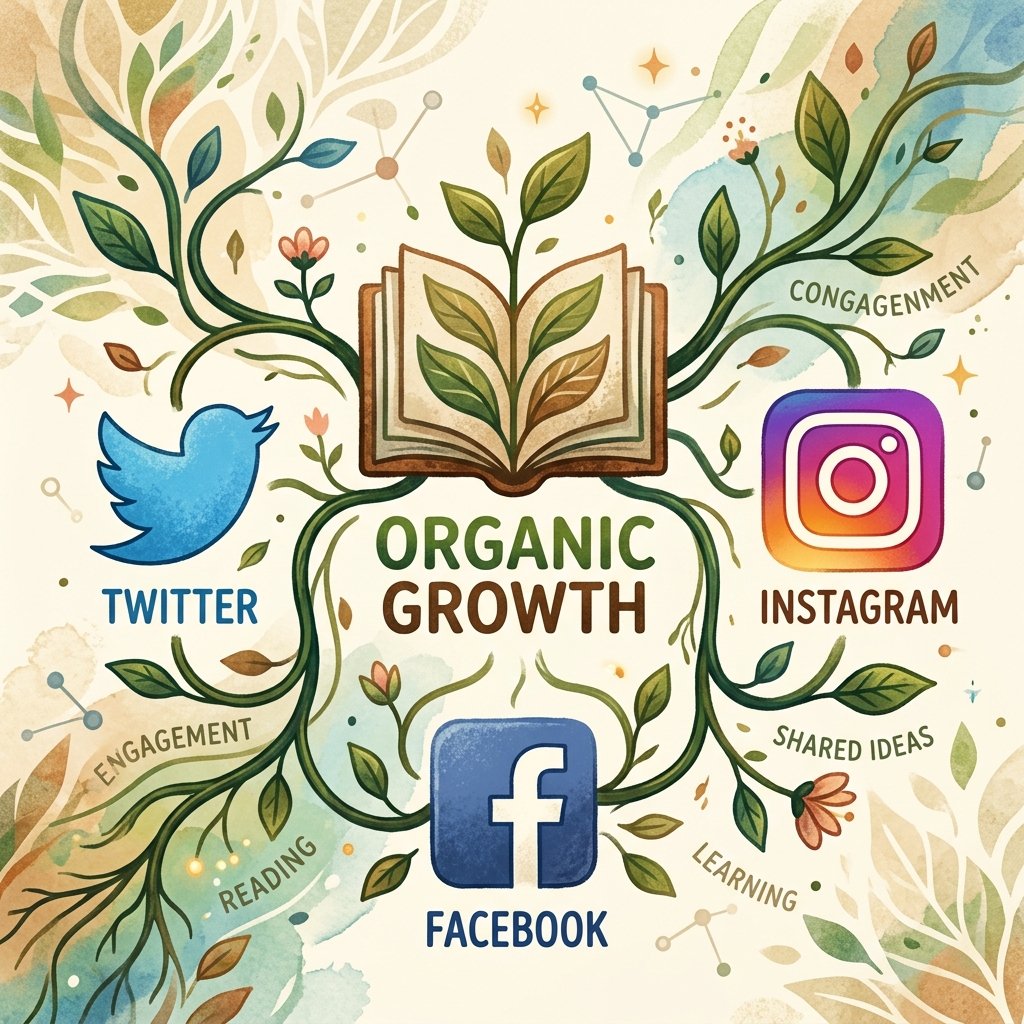
Amazon’s algorithm loves momentum. You need to drive traffic to your book without spending money on Amazon Ads. Here is the strategy:
The Frugal Marketing Stack
- KDP Select: Enroll your book to get 5 free promotion days. Use these to get downloads and reviews.
- Social Media Outreach: Don’t just spam links. Join communities and provide value.
- Newsletter Swaps: Use sites like StoryOrigin or BookFunnel (free tiers available) to swap mentions with other authors in your genre.
“Hi [Influencer Name], I’ve been a long-time follower of your tips on [Topic]. I just published a free guide that aligns perfectly with your recent post. Would you be open to sharing it with your audience if you find it valuable?”
Earning Potential and Scam Warnings
The Math of Passive Income
How much can you actually make? While some authors make millions, many make a few hundred dollars a month in passive income—which is perfect for a frugal lifestyle! Check out the potential:
| Sales Volume | Monthly Royalty (at $2.99) | Monthly Royalty (at $4.99) |
|---|---|---|
| 10 Books/Month | $20.93 | $34.93 |
| 100 Books/Month | $209.30 | $349.30 |
| 500 Books/Month | $1,046.50 | $1,746.50 |
Scam Warning: Protect Your Wallet
SCAM ALERT: If a company calls themselves a ‘publisher’ but asks you to pay for a ‘publishing package,’ ‘marketing fee,’ or ‘mandatory editing,’ RUN. These are vanity presses. In real publishing, the money always flows toward the author. Amazon KDP is free; anyone charging you to ‘access’ it is a scammer.
Conclusion
Your Author Journey Starts Today
Publishing your first book on Amazon for $0 is not just a dream—it is a totally achievable reality. By leveraging free tools like Google Docs, Canva, and Kindle Create, you can bypass the expensive barriers to entry and start building a stream of passive income. Remember, the most important step is to actually start writing. Don’t let the fear of ‘not being professional enough’ stop you. Every expert was once a beginner who decided to try.
You have the map, you have the tools, and most importantly, you have the frugal hacker mindset. Now, go out there and get published! Your future readers are waiting.
Disclaimer: I am not a financial advisor. The earning potentials mentioned are estimates based on standard royalty rates and are not guaranteed. Success in self-publishing depends on market demand, book quality, and marketing efforts.

Makenzie is the founder and lead writer at MoneyHackTips.com — a personal finance blog dedicated to delivering street-smart financial wisdom for real people on real budgets. With 300+ published articles covering everything from debt management to investing fundamentals, Makenzie’s mission is to make every dollar work harder. When not writing about money hacks, Makenzie is testing frugal living strategies, optimizing side hustles, and helping readers build financial freedom from scratch.