

Welcome to the Frugal Hacker’s Guide to Digital Freedom
Hey there, frugal hackers! Welcome back to your ultimate resource for keeping your hard-earned cash exactly where it belongs: in your wallet. If you are tired of watching your bank account drain every single month on bloated software subscriptions, you have landed in the exact right place. We are living in a golden age of digital tools, and the outdated mindset that you absolutely have to pay top dollar for professional-grade software is completely dead and buried. Today, we are taking aim at one of the biggest budget-drainers for creatives, freelancers, small business owners, and hobbyists alike: Adobe Creative Cloud.
Let us be real for a second. Paying $59.99 a month or more just to edit some photos, trim a video, or design a flyer is highway robbery when there are incredibly powerful, absolutely free alternatives sitting right at your fingertips. Whether you are a side-hustler trying to keep your overhead ruthlessly low, a student on a tight budget, or just someone who loves making cool digital art without going broke, this guide is your golden ticket to creative freedom. We are going to break down the absolute best free software alternatives to Adobe in 2024, proving once and for all that your creativity does not have to come with a restrictive monthly subscription fee. Get ready to hack your workflow and save hundreds of dollars!
The Math: How Much Adobe is Really Costing You
The True Cost of Subscriptions
Before we dive into the amazing free alternatives, we need to look at the cold, hard numbers. As a frugal hacker, you know that monthly subscriptions are the ultimate wealth killers. They seem small at first, but they compound into massive expenses over time. Let us break down exactly how much money you are losing to Adobe every single year, and how much you stand to keep by making the switch today.
| Adobe Product | Monthly Cost | Best Free Alternative | Your Yearly Savings |
|---|---|---|---|
| Creative Cloud All Apps | $59.99 | The Frugal Hacker Stack | $719.88 |
| Photoshop (Single App) | $22.99 | GIMP / Photopea | $275.88 |
| Premiere Pro (Single App) | $22.99 | DaVinci Resolve | $275.88 |
| Illustrator (Single App) | $22.99 | Inkscape | $275.88 |
Just look at those numbers! By switching your entire workflow, you could easily save over $700 a year. That is money you could invest, use to pay down debt, or put toward a well-deserved vacation. The math does not lie, and it is time to stop the bleeding.
Key Rule: The software does not make the artist. Your skills, creativity, and resourcefulness are what truly matter. Never let a subscription fee gatekeep your creative potential.
Ditching Photoshop: The Best Free Image Editors
Say Hello to GIMP and Photopea
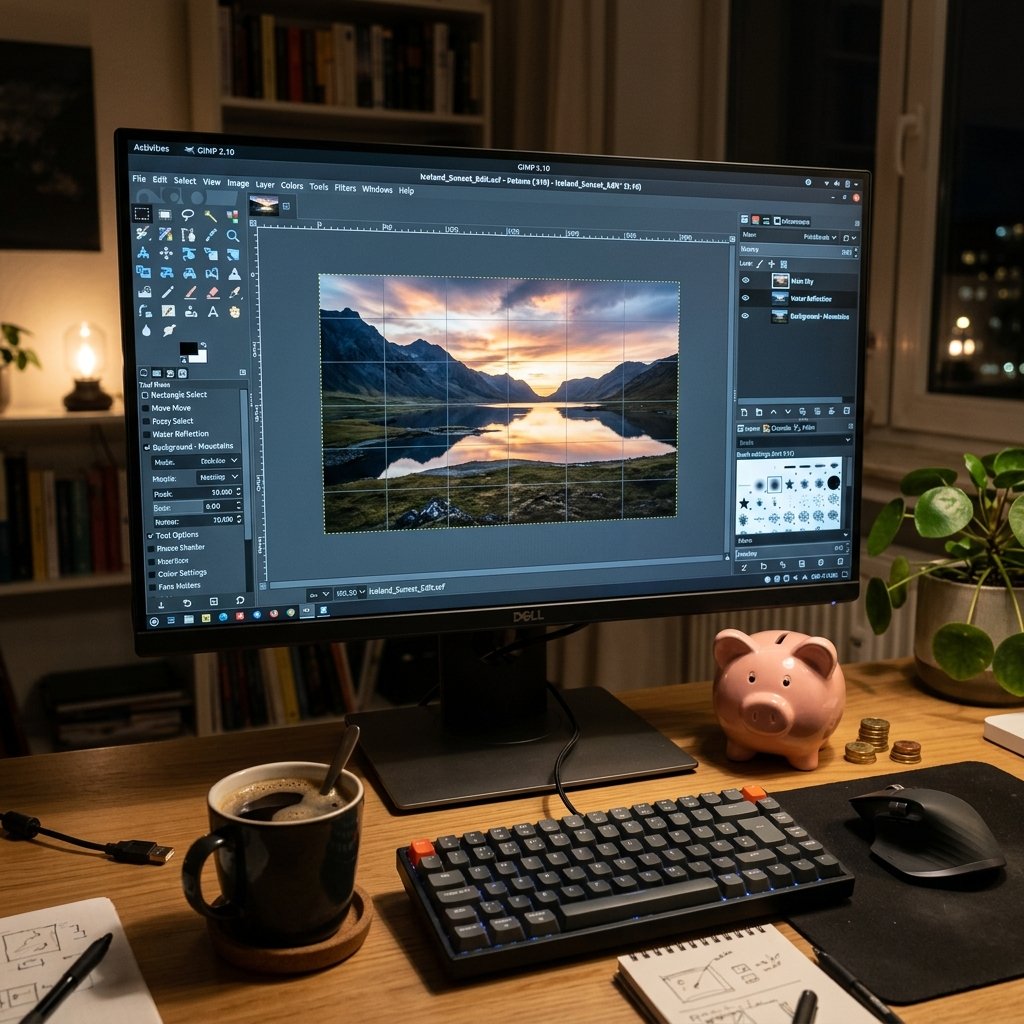
Photoshop has been the industry standard for decades, but you do not need to hand over $275.88 a year to manipulate images like a pro. Enter your new best friends: GIMP and Photopea.
GIMP (GNU Image Manipulation Program)
GIMP is the undisputed king of open-source photo editing. It has been around for years and boasts a massive community of developers who constantly update it. It can do almost everything Photoshop can do: layers, masks, advanced color correction, and complex selections.
- Pros: 100% free forever, highly customizable, massive library of free plugins.
- Cons: The user interface takes a little getting used to if you are a die-hard Photoshop user.
Photopea: The Browser-Based Miracle
If you need to open a .PSD file right now and do not want to install anything, Photopea is your holy grail. It runs entirely in your web browser and looks almost exactly like Photoshop. It is perfect for quick edits, social media graphics, and working on the go.
As a frugal hacker, combining GIMP for heavy lifting and Photopea for quick, browser-based edits gives you a complete photo manipulation suite for exactly $0.00.
Saying Goodbye to Premiere Pro: Pro Video Editing for Zero Dollars
DaVinci Resolve: Hollywood Quality for Free
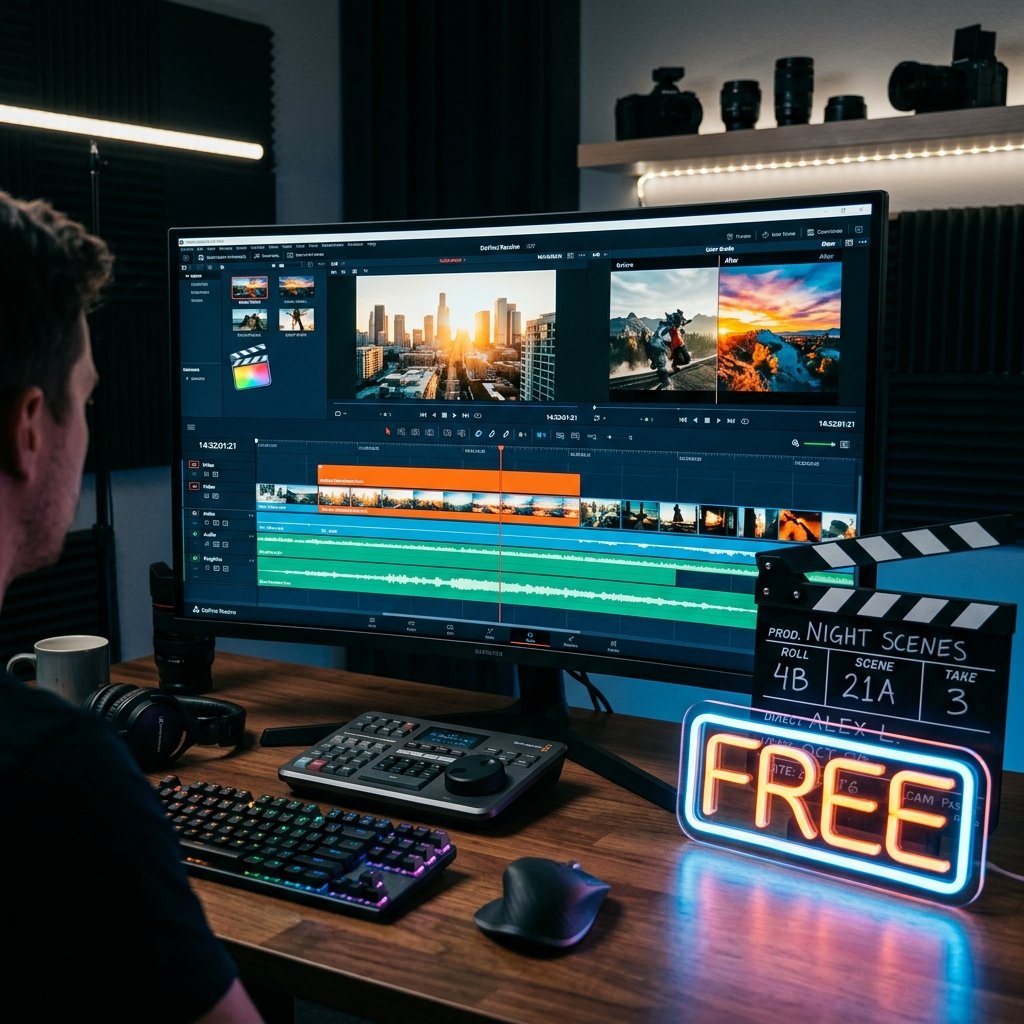
Video editing software is notoriously expensive, but this is where the frugal tech world truly shines. If you are paying for Premiere Pro, you need to cancel it right now and download DaVinci Resolve. This is not just a cheap knock-off; it is a Hollywood-grade non-linear editor used by actual film studios to color grade blockbuster movies.
Why DaVinci Resolve Dominates
- All-in-One Powerhouse: It combines editing, color correction, visual effects (Fusion), and audio post-production (Fairlight) into one single application.
- Unmatched Color Grading: It is widely considered the best color grading software in the world, and the standard version is completely free.
- No Watermarks: Unlike scammy free software, DaVinci Resolve exports your videos without any annoying watermarks or artificial time limits.
CapCut for the Social Media Hustler
If DaVinci Resolve is too intimidating and you just want to edit TikToks, Reels, or YouTube Shorts, look no further than CapCut Desktop. It is incredibly intuitive, packed with free transitions and text effects, and gets the job done in minutes.
Scam Warning: Always download open-source software directly from the official developer websites like Blackmagic Design for Resolve. Never click on sketchy third-party ads offering ‘free’ versions of paid software, as these are often loaded with malware designed to steal your data.
Canceling Illustrator: Vector Graphics on a Budget
Inkscape: The Open-Source Vector Champion
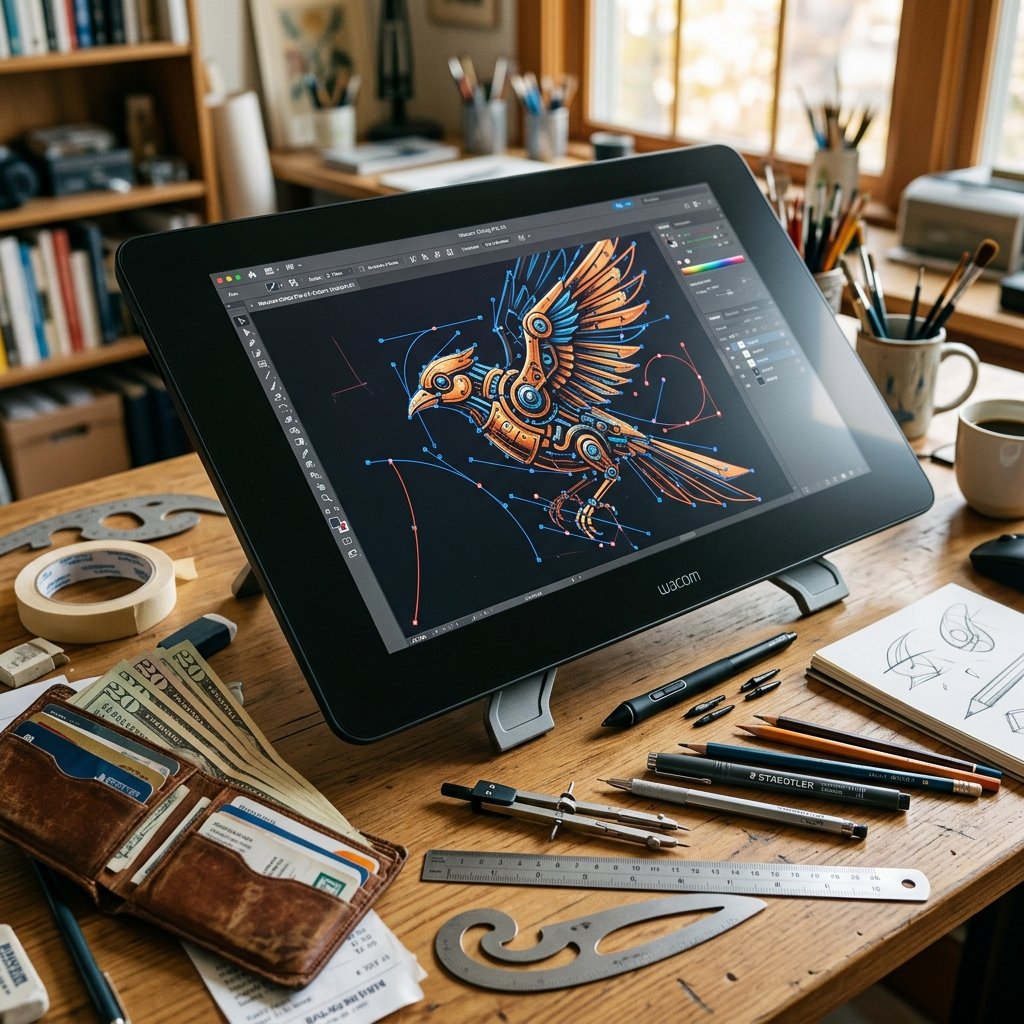
If you design logos, create scalable vector graphics (SVGs) for web design, or do any kind of digital illustration, Adobe Illustrator has likely been your go-to. But at $22.99 a month, it is a heavy burden. The frugal alternative? Inkscape.
Mastering Inkscape
Inkscape is a professional-quality vector graphics software that runs on Windows, Mac, and Linux. It is incredibly powerful and supports advanced features like complex path operations, node editing, and text-to-path transformations.
- The Learning Curve: Yes, the interface is slightly different from Illustrator, but there are thousands of free YouTube tutorials dedicated to helping Illustrator users transition to Inkscape smoothly.
- File Compatibility: It handles SVG files natively, which is the standard for web graphics, and can easily export to PDF, PNG, and other common formats.
By switching to Inkscape, you are keeping over $275 in your pocket every single year. Think about how many premium fonts or design assets you could buy with that saved cash—or better yet, just save it!
Leaving Lightroom: Free Photo Color Grading
RawTherapee and Darktable
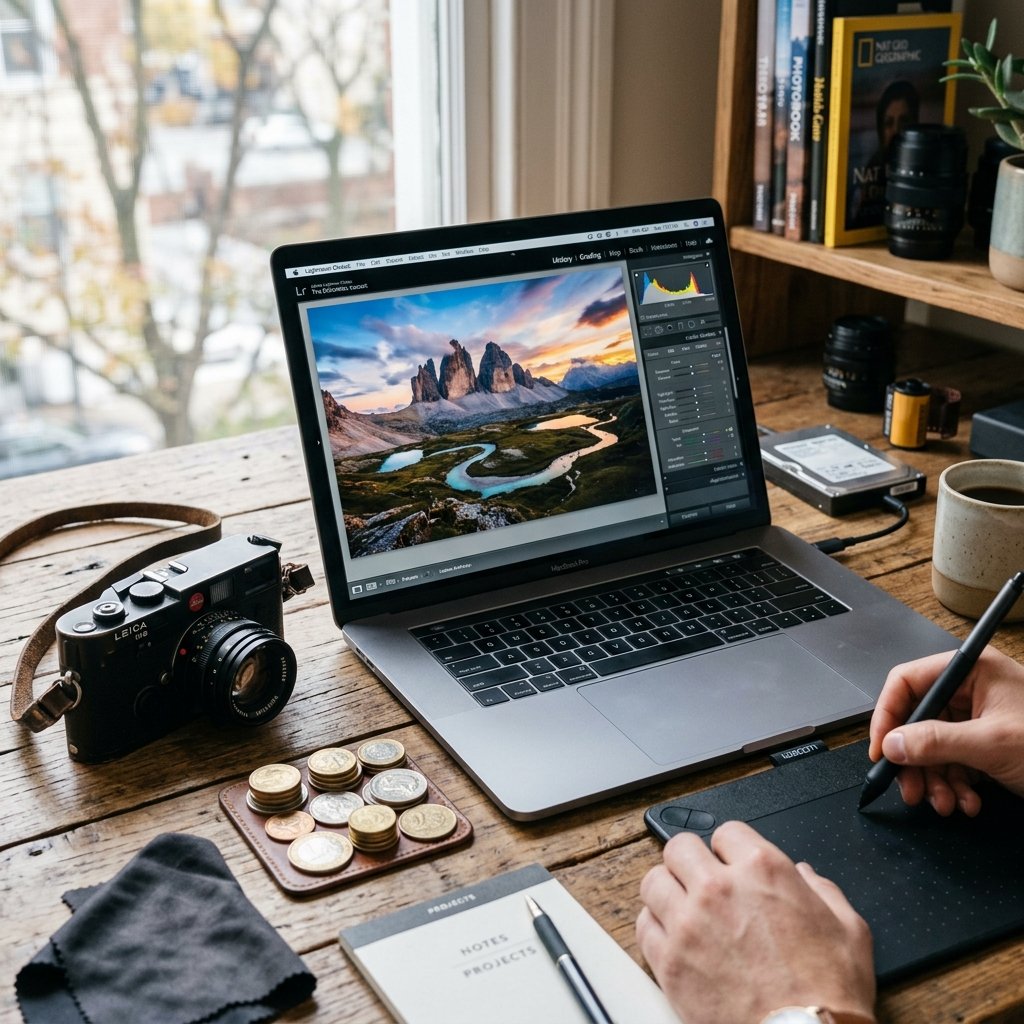
For photographers, Adobe Lightroom is the standard for processing RAW files and batch-editing photo shoots. But you do not need to pay a subscription to make your photos pop. The open-source community has provided two incredible alternatives: RawTherapee and Darktable.
Choosing Your Free Processor
- RawTherapee: Incredible for getting the absolute highest quality out of your RAW files. It offers advanced demosaicing algorithms and unparalleled control over color and detail.
- Darktable: Functions more like a direct Lightroom clone, offering both a ‘lighttable’ for managing your photo library and a ‘darkroom’ for editing. It supports non-destructive editing, meaning your original files are always safe.
Both of these programs are completely free and will save you the $9.99 to $19.99 a month Adobe charges for their photography plans. Take a weekend to learn the interface, and you will never look back.
The Transition Strategy: How to Switch Without Losing Your Mind
Your Action Plan for Frugal Freedom
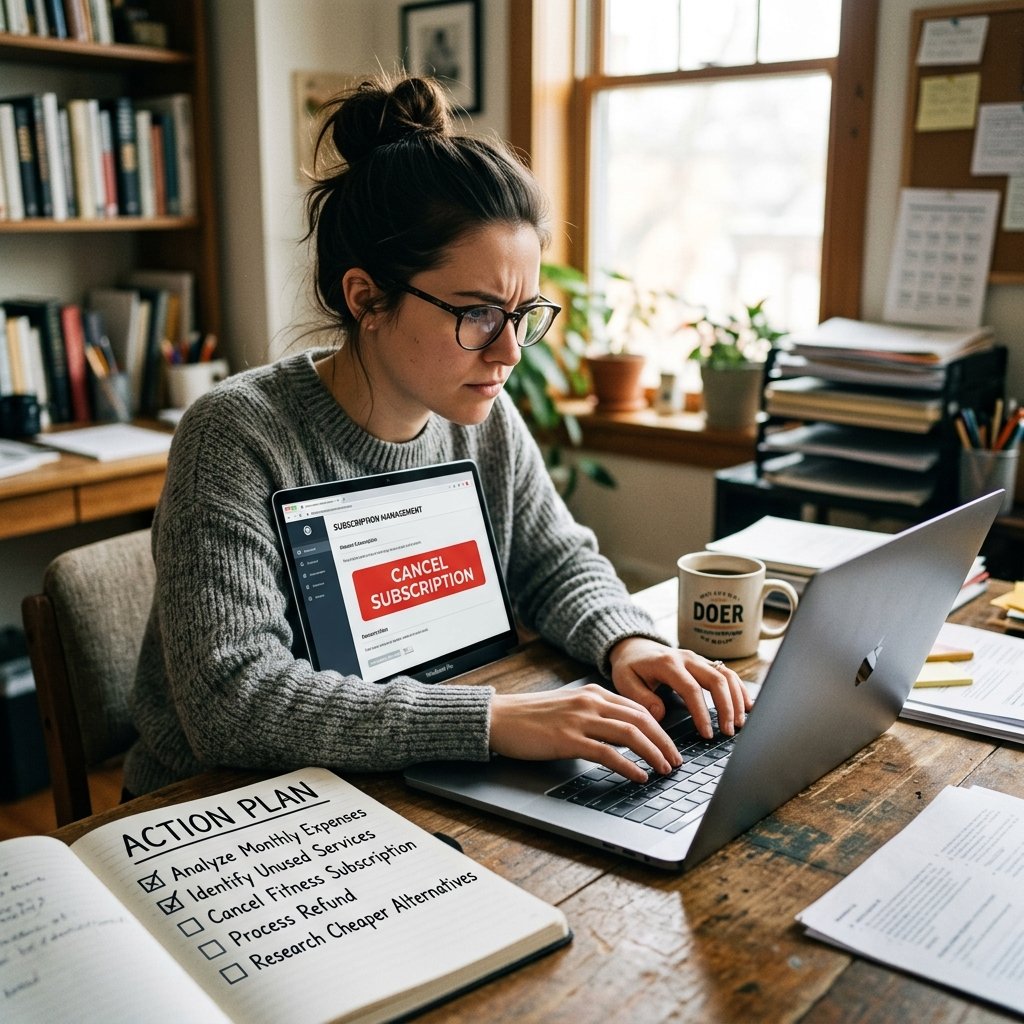
We know that switching software can be daunting. You have spent years building muscle memory in Adobe, and learning new shortcuts feels like a hassle. But remember the frugal hacker mindset: a little bit of upfront effort yields massive long-term savings. Here is your step-by-step action plan to make the switch.
- Do Not Cancel Yet: Keep your Adobe subscription active for one more month. Download the free alternatives and install them alongside your Adobe apps.
- The One-Project Rule: Force yourself to complete just one single project start-to-finish using the free software. Do not open Adobe, no matter how frustrated you get.
- Use Free Resources: Lean heavily on YouTube. Search for things like ‘GIMP for Photoshop users’ or ‘DaVinci Resolve beginner guide’. The community is incredibly supportive.
- Export and Backup: Before you finally hit that cancel button, make sure you export any proprietary Adobe files (like complex .PSD or .AEP files) into more universal formats if you think you will need them later.
- Cut the Cord: Cancel Adobe, watch your monthly expenses drop, and celebrate your newfound digital freedom!
Script for Canceling Adobe: If Adobe tries to hit you with a massive cancellation fee (which they often do for annual plans paid monthly), contact customer support and say: ‘I need to cancel my subscription due to financial hardship, and I am requesting that the early termination fee be waived.’ Often, the representative will waive the fee to avoid bad PR.
Conclusion
Embrace the Frugal Hacker Lifestyle
There you have it! A complete, professional-grade creative suite for absolutely zero dollars. By swapping out Photoshop for GIMP, Premiere Pro for DaVinci Resolve, Illustrator for Inkscape, and Lightroom for Darktable, you are taking back control of your finances and proving that you don’t need to spend big to create big. Transitioning might take a few weeks of adjusting your workflow, but saving over $700 a year is an incredible return on your time investment. Stay resourceful, keep creating, and never stop hacking your budget!
Disclaimer: I am The Ultimate Frugal Hacker, a passionate advocate for saving money and living below your means, but I am not a certified financial advisor. The savings examples and budgeting strategies discussed in this article are for educational and entertainment purposes only. Always evaluate your own financial situation and professional workflow needs before making major changes.


Makenzie is the founder and lead writer at MoneyHackTips.com — a personal finance blog dedicated to delivering street-smart financial wisdom for real people on real budgets. With 300+ published articles covering everything from debt management to investing fundamentals, Makenzie’s mission is to make every dollar work harder. When not writing about money hacks, Makenzie is testing frugal living strategies, optimizing side hustles, and helping readers build financial freedom from scratch.