

Hey there, fellow frugal hackers! If you are anything like me, you are always on the hunt for legitimate, no-nonsense ways to pad your budget without spending a dime upfront. We all know the drill: cutting coupons, meal prepping like a boss, and negotiating our internet bills down to the absolute penny. But what happens when you have cut all the expenses you possibly can? You have to increase your income. That is exactly where my journey into website testing began, and let me tell you, it has been a total game-changer for my envelope system. This month alone, I managed to rake in an extra $500 just by sharing my opinion on websites and apps from the comfort of my own couch.
Now, I know what you are thinking. ‘Get paid to click? Sounds like one of those sketchy internet scams.’ Trust me, I am the most skeptical person you will ever meet when it comes to making money online. I refuse to pay joining fees, and I certainly do not have time to waste on pennies-per-hour survey sites. But website testing—specifically User Experience (UX) testing—is entirely different. Major brands, from tech giants to local retailers, are losing millions of dollars because everyday people cannot figure out how to navigate their clunky websites. Instead of guessing, they pay real people like you and me to record our screens and talk out loud as we try to use their platforms.
In this ultimate action plan, I am going to pull back the curtain on exactly how I hit that $500 mark. I will share the exact platforms that actually pay out, the frugal setup you need (hint: you probably already have it), and the precise scripts I use to pass the qualification tests every single time. Whether you want to pay off debt faster, fund your emergency savings, or just have some guilt-free spending money, this side hustle is the perfect addition to your frugal lifestyle. Grab a cup of home-brewed coffee, and let us dive into the math, the method, and the money!
The Reality of Website Testing: The Math Behind the Hustle

Before we jump into signing up for every platform under the sun, let us break down what website testing actually is and, more importantly, what the realistic earning potential looks like. As a frugal enthusiast, your time is your most valuable asset. You do not want to trade hours of your life for a few measly gift cards. Website testing is essentially market research. Companies want to see where your mouse moves, what frustrates you, and what makes you click the ‘Buy’ button. You are not hunting for technical bugs or writing code; you are simply acting like a normal consumer.
Most standard tests take about 15 to 20 minutes to complete. During this time, you will share your screen, turn on your microphone, and speak your thoughts aloud as you follow a set of instructions. For example, a prompt might say: ‘Find a pair of women’s running shoes under $50 and add them to your cart.’ You will narrate your entire thought process as you do this. The beauty of this side hustle is the flexibility. I do tests during my lunch break, while waiting for the laundry to finish, or early in the morning before the house wakes up.
Realistic Earning Potential
Let us look at the numbers. It is crucial to set realistic expectations so you do not get discouraged. You will not become a millionaire doing this, but it is a highly effective way to generate supplemental income. Here is a breakdown of what you can expect to earn based on the types of tests available.
| Platform / Test Type | Average Time Commitment | Average Pay Per Test | Realistic Monthly Potential |
|---|---|---|---|
| Standard Usability Test (Unmoderated) | 15 – 20 Minutes | $10 | $150 – $250 |
| Short Mobile App Test | 5 – 10 Minutes | $4 – $7 | $30 – $50 |
| Live Interview (Moderated) | 30 – 60 Minutes | $30 – $90 | $200 – $300 |
| Card Sorting / Quick Feedback | 2 – 5 Minutes | $2 | $10 – $20 |
To hit my $500 goal this month, I completed roughly twenty standard tests ($200), snagged three live interviews ($240), and filled in the gaps with shorter mobile tests and card sorts ($60). The key to maximizing your earnings is to keep the testing tabs open while you do other computer work, so you can jump on a screener the moment it pops up.
The Setup: Your Frugal Gear Guide

One of the biggest misconceptions about starting a tech-based side hustle is that you need an expensive, professional setup. As a frugal hacker, I absolutely forbid you from going into debt or spending hundreds of dollars to start making money! You can launch this side hustle using the equipment you already own. The barrier to entry is incredibly low, which is why it is one of my top recommended gigs for budget-conscious folks.
What You Actually Need
- A Reliable Computer or Smartphone: Any standard laptop or desktop from the last five years will work perfectly. You can also do mobile tests on your smartphone. You do not need a high-end gaming PC.
- A Microphone: This is the most critical piece of equipment. The clients need to hear you clearly. However, you do not need a studio-quality podcast mic. The built-in microphone on most modern laptops is sufficient, but if yours is scratchy, a basic pair of wired earbuds with an inline microphone (the kind that used to come free with phones) works wonders. If you must buy one, spend no more than $15 on a basic USB mic.
- High-Speed Internet: Since you will be uploading screen recordings, a stable internet connection is necessary. If your home internet is slow, consider doing tests at a local library or a quiet coffee shop (though background noise can be an issue).
- A Quiet Environment: This is free! Clients will reject your test if there is a dog barking loudly, a TV blaring in the background, or kids screaming. Find a quiet room, shut the door, and focus for 20 minutes.
- A PayPal Account: Almost all of these platforms pay out via PayPal. It is free to set up. Make sure your account is verified to avoid any payment delays.
That is it! Do not buy fancy lighting, do not buy a dual-monitor setup, and do not buy expensive software. The testing platforms provide their own screen-recording software or browser extensions completely free of charge. Keep your overhead at $0 so every dollar you make is pure profit.
The Goldmine: Top Platforms That Actually Pay
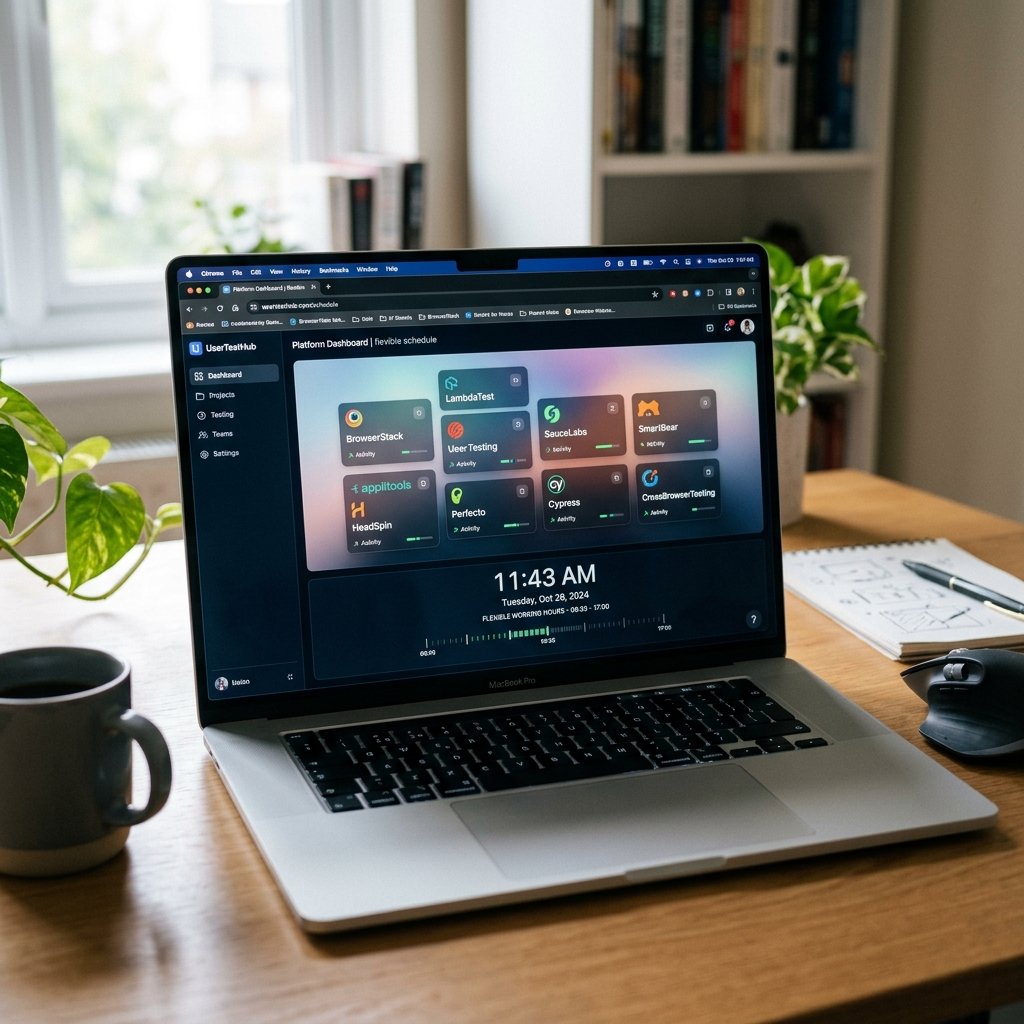
Now that your frugal setup is ready, it is time to apply. I highly recommend signing up for multiple platforms. Because testing opportunities are based on demographics (age, location, job industry, income), you will not qualify for every test. By casting a wide net, you ensure a steady stream of screeners coming your way. Here are the top platforms I personally used to hit my $500 goal this month.
1. UserTesting
This is the granddaddy of all website testing platforms. They have the highest volume of tests available. They pay a flat $10 for every 20-minute test, and payments are sent exactly seven days after you complete the test via PayPal. They also offer live conversations that pay $30 for 30 minutes or $60 for an hour. The interface is incredibly user-friendly, and their support team is responsive.
2. User Interviews
If you want to hit your income goals faster, User Interviews is fantastic. While they do have some unmoderated tasks, their bread and butter are one-on-one live interviews via Zoom. I landed a one-hour interview about my grocery shopping habits that paid out a massive $75. You have to fill out a lot of screener surveys to get picked, but the high payouts make the effort totally worth it.
3. Trymata (Formerly TryMyUI)
Trymata operates similarly to UserTesting, paying $10 for standard tests. They are a bit stricter on their grading, so you really have to make sure you are speaking clearly and following every single instruction to the letter. They pay out on Fridays via PayPal. It is a great backup platform to keep open in another browser tab.
4. Validately (Now UserZoom GO)
Validately offers both unmoderated tests (usually paying around $10) and live moderated studies (paying $40 to $70). What I love about them is that they email you the screeners directly, so you do not have to sit on their dashboard refreshing the page all day. Their screeners are quick, and if you qualify, you can start the test immediately.
The Scripts: How to Pass the Qualification Tests Every Time

Here is the secret sauce, my frugal friends. When you sign up for any of these platforms, you cannot just start making money immediately. You have to pass a ‘practice test’ or ‘qualification test’. This is where 80% of people fail and give up. The platforms use this unpaid practice test to ensure you know how to articulate your thoughts, follow instructions, and use their software. If you sit in silence and just click around, you will be rejected.
The absolute most important skill in website testing is the ‘Think Out Loud’ method. You must narrate every single action you take, why you are taking it, and how you feel about it. To guarantee you pass your qualification test, I have developed a few foolproof scripts that you can adapt. Use these as your baseline.
Script 1: The Initial Impression
When a test first loads, do not immediately start clicking. Spend 30 seconds giving your initial impression of the homepage. This shows the client you are observant.
Okay, the homepage has just loaded. My very first impression is that the design is clean and modern, mostly using blue and white tones. However, I am immediately drawn to the large banner at the top, but the text is a bit small and hard to read against the busy background image. I can see the main navigation menu clearly at the top right, which is helpful. Overall, it looks like a professional site, but I am slightly confused about what exactly their core product is just from glancing at the above-the-fold content.
Script 2: Navigating and Task Completion
When the prompt asks you to find a specific item or page, narrate your search strategy. Explain why you are looking where you are looking.
The prompt is asking me to locate the return policy. Usually, I expect to find this either in the main customer service dropdown menu at the top, or in the footer at the very bottom of the page. I am going to scroll down to the footer first… Okay, I am in the footer now. I see ‘About Us’, ‘Careers’, and ‘Contact’. Ah, there it is, ‘Shipping & Returns’. I am clicking on that link now. The page loaded quickly. I am scanning the text, and I see that they offer a 30-day return window, which is pretty standard and reasonable.
Script 3: Encountering Frustration (The Goldmine for Clients)
Clients LOVE it when you find something annoying or broken, as long as you explain why it is annoying. Never just say ‘this sucks’. Be constructive.
I am trying to add the medium-sized blue shirt to my cart. I have selected ‘Medium’ and clicked ‘Blue’, but the ‘Add to Cart’ button is still greyed out. I am clicking it, but nothing is happening. This is quite frustrating. I would expect the button to turn a solid color once my options are selected. Oh, I see now—there is a tiny checkbox hidden below the price that says ‘Agree to terms’. I completely missed that because it blends into the background. In a real-life scenario, I might have just abandoned my cart and shopped elsewhere because of this friction.
By using these scripts as a framework, you prove to the graders that you are an articulate, thoughtful user who will provide immense value to their paying clients. Once you pass the practice test with flying colors, the paid opportunities will start rolling in.
Scam Warning: Protect Your Time and Money
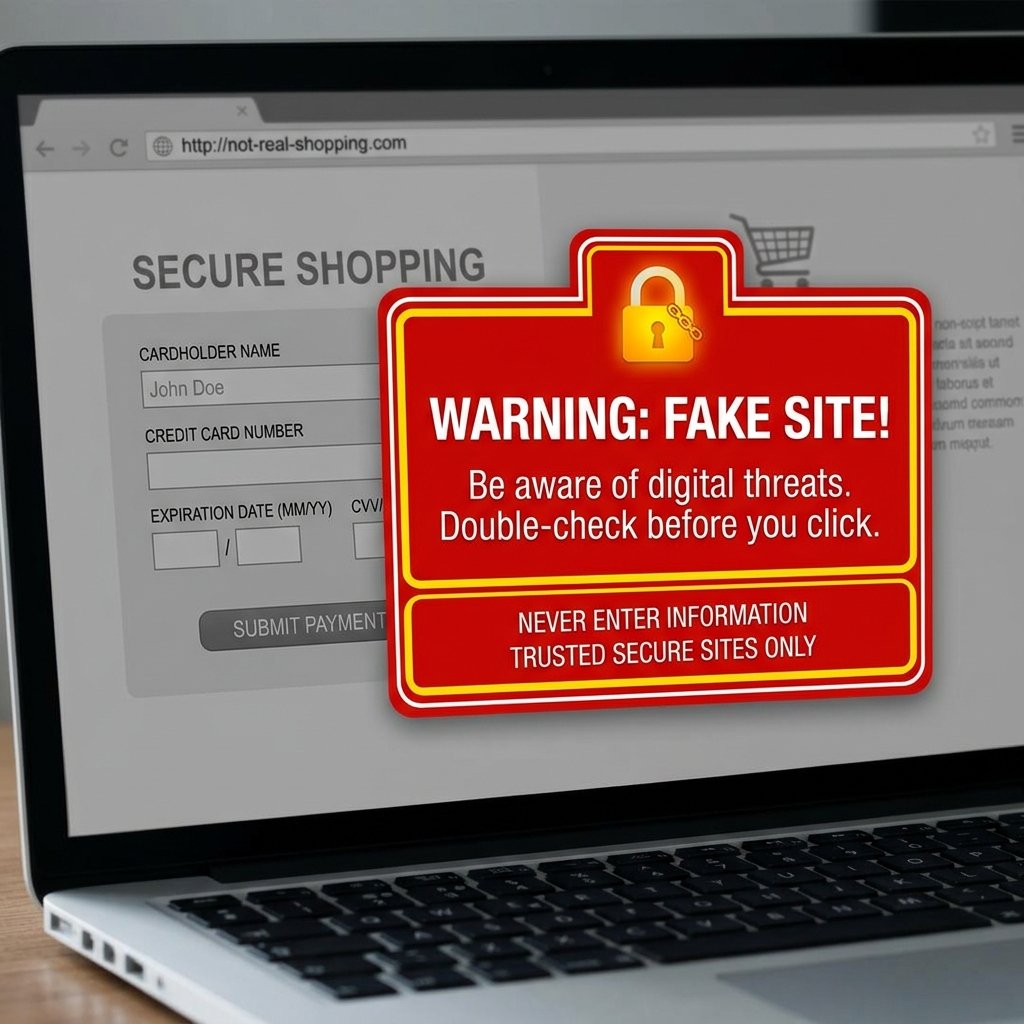
As the Ultimate Frugal Hacker, it is my duty to protect your hard-earned cash. The internet is unfortunately crawling with scammers preying on people who are just trying to make an honest side income. Because ‘get paid to click’ sounds too good to be true to many, scammers use this exact phrasing to trap unsuspecting victims. You must be street-smart and vigilant.
Legitimate market research companies have massive budgets funded by corporate clients. They need you. You are the asset. Therefore, the flow of money should always be from them to you. Never the other way around. Here are the absolute golden rules for avoiding website testing scams.
THE FRUGAL HACKER’S SCAM WARNING RULES:
1. Never pay a joining fee. If a site asks for a ‘registration fee’, ‘training fee’, or ‘software license fee’ to start testing, it is a 100% scam. Close the tab immediately.
2. Never provide your credit card information. Legitimate sites will ask for your PayPal email to pay you. They will NEVER ask for your credit card number, bank routing number, or social security number just to sign up.
3. Beware of ‘Guaranteed Income’ claims. If a site promises you will make $1000 a week guaranteed, they are lying. Side hustle income is variable and depends on test availability and your demographics.
4. Watch out for fake ‘tests’ that are just phishing schemes. If a test asks you to log into your real bank account, enter your real credit card to ‘test’ a checkout process, or download unverified executable files (.exe) to your computer, abort the test immediately and report it to the platform.
Stick to the well-known, vetted platforms I listed in the previous section. If you stumble upon a new platform, search for reviews on Reddit (specifically the r/beermoney subreddit) or Trustpilot before giving them even your email address. Guard your personal information as fiercely as you guard your budget!
Conclusion
There you have it, the complete, no-fluff guide to making real money by testing websites. Hitting $500 this month was not magic; it was simply a matter of setting up my free gear, signing up for the right platforms, mastering the ‘Think Out Loud’ scripts, and being consistent. As frugal living enthusiasts, we know that every single dollar counts. An extra $500 can fully fund a Roth IRA contribution for the month, wipe out a lingering credit card balance, or pay for a week’s worth of groceries for a large family. It is empowering to know that you can generate this kind of income from your living room without having to spend a dime to get started.
So, what is your next step? Take action today. Dust off that laptop, find a quiet space, and sign up for UserTesting or User Interviews. Take the practice test using the scripts provided, and start claiming your piece of the market research pie. The internet is waiting for your opinion, and they are ready to pay you for it. Happy hacking, and happy earning!
Disclaimer: I am a frugal living enthusiast sharing my personal experience and strategies, not a licensed financial advisor. Side hustle income varies widely based on demographics, effort, internet speed, and platform availability. Always do your own research and manage your taxes appropriately for independent contractor income.


Makenzie is the founder and lead writer at MoneyHackTips.com — a personal finance blog dedicated to delivering street-smart financial wisdom for real people on real budgets. With 300+ published articles covering everything from debt management to investing fundamentals, Makenzie’s mission is to make every dollar work harder. When not writing about money hacks, Makenzie is testing frugal living strategies, optimizing side hustles, and helping readers build financial freedom from scratch.