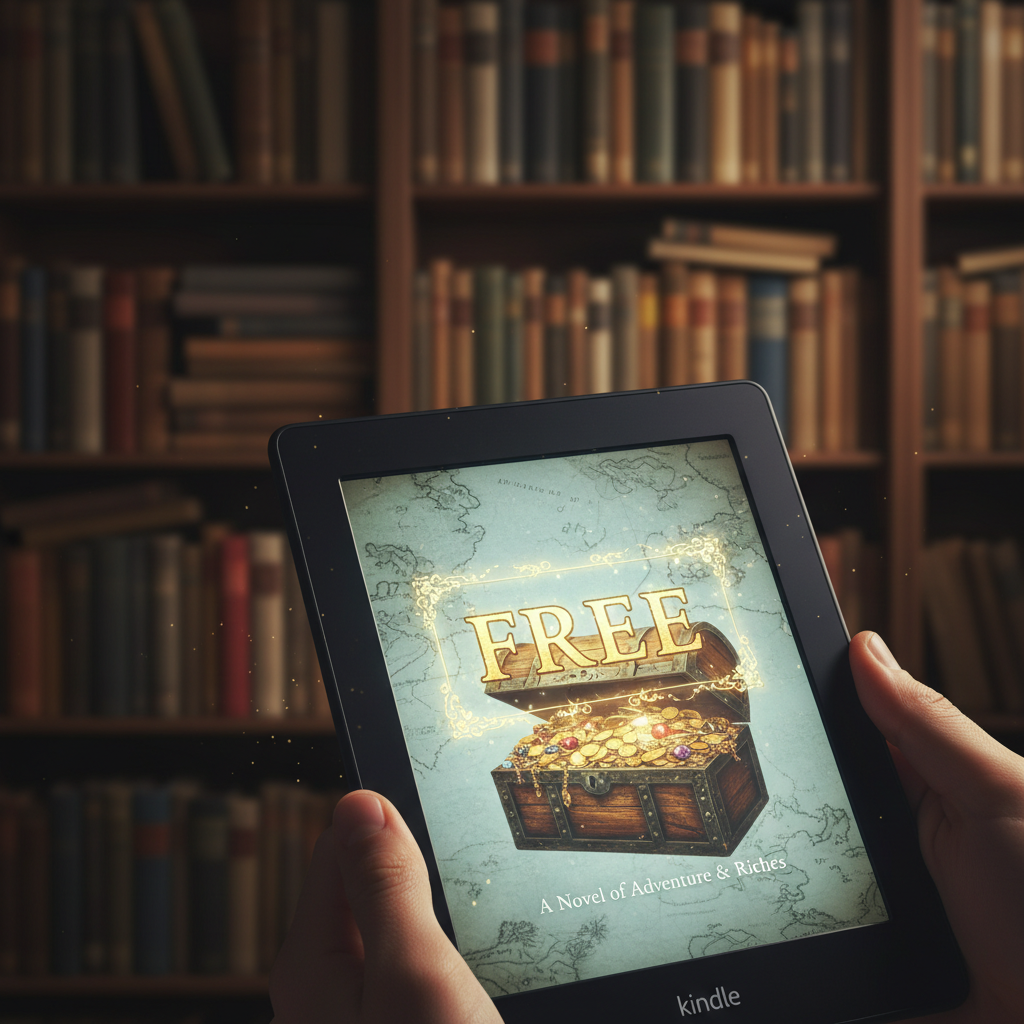

Listen up. You see that Kindle or the reading app on your phone? It’s not just a gadget; it’s a potential goldmine of knowledge, entertainment, and skills. But most people treat it like a money pit, dropping $9.99, $12.99, or even $14.99 on every new title. That’s the sucker’s game. The street-smart reader knows the system has backdoors, loopholes, and straight-up freebie piles just waiting to be claimed. We’re not talking about shady, illegal downloads. We’re talking about 100% legit ways to pack your digital library with thousands of books without spending a single cent.
Think about it: every dollar you save on a book is a dollar you can put toward your side hustle, your debt-free journey, or your emergency fund. Building a massive library for free isn’t just about saving money; it’s an investment in yourself. Whether you want to learn a new skill to boost your income, escape into a fantasy world after a long day, or finally read the classics, you don’t need a fat wallet. You just need the right intel. This guide is your cheat sheet. We’re going to break down every single hack, from the simple tricks hidden in plain sight on Amazon’s own site to the powerhouse apps that turn your library card into an all-access pass. Get ready to build your knowledge empire on a $0 budget.
The Obvious-But-Overlooked Hack: Mastering Amazon’s ‘Top 100 Free’ Goldmine
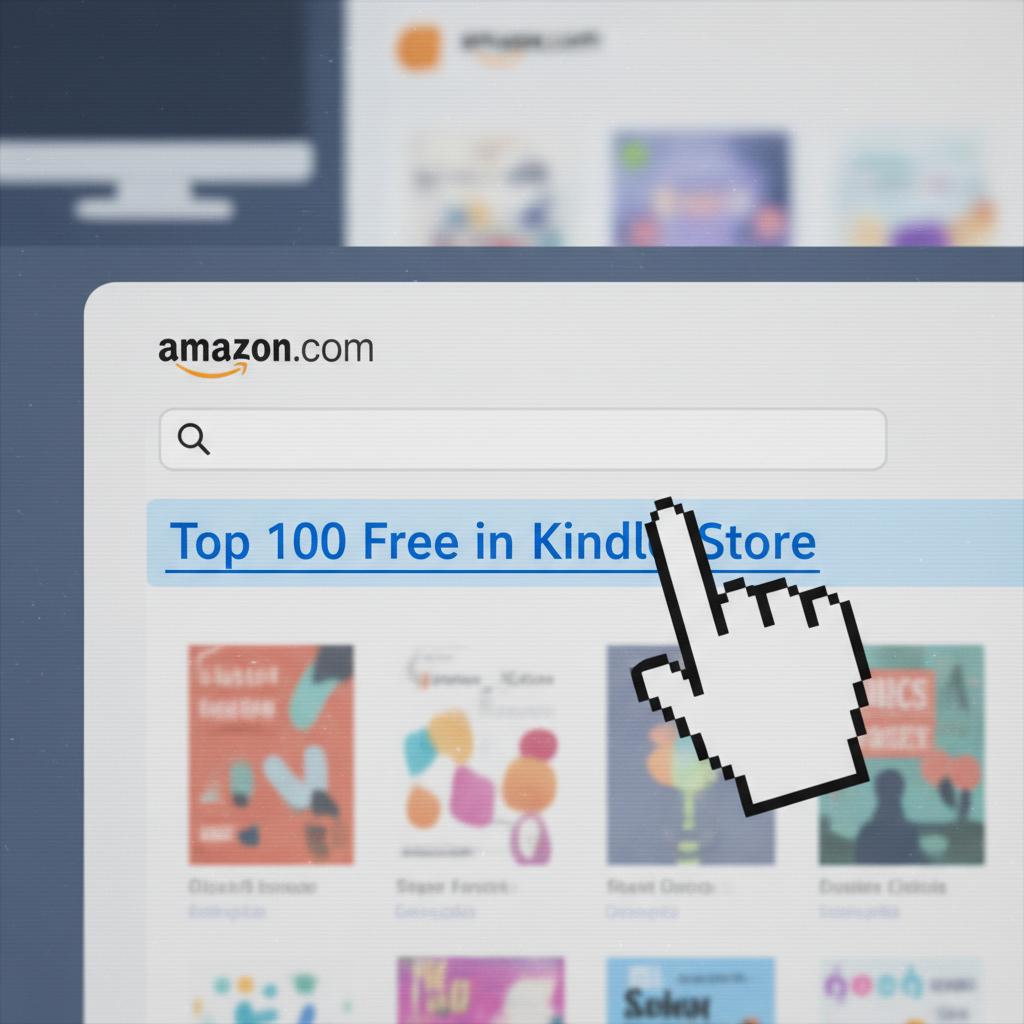
Alright, let’s start with the lowest-hanging fruit. This is the hack that’s staring everyone in the face, but most people scroll right past it. Amazon literally has a section dedicated to giving away books. You just have to know where to click. The ‘Top 100 Free in Kindle Store’ is a constantly updated list of books that authors and publishers have made available for free, usually for a limited time to boost their rankings and get reviews. This isn’t just random junk; you can find new authors, introductory books to popular series, and non-fiction guides here.
Your Step-by-Step Playbook:
- Navigate to the Kindle Store: Open Amazon on your browser. Don’t use the app for this, the desktop site is easier to navigate. Hover over ‘Departments,’ then click on ‘Kindle E-readers & Books,’ and finally, ‘Kindle Books.’
- Find the Bestsellers List: On the Kindle Books page, look for a link that says ‘Kindle Book Deals’ or ‘Best Sellers.’ Click on ‘Best Sellers.’ This takes you to the hub of what’s popular.
- Hit the Jackpot: At the top of the Best Sellers page, you’ll see two tabs: ‘Top 100 Paid’ and ‘Top 100 Free.’ Click that beautiful ‘Top 100 Free’ tab.
- ‘Buy’ for $0.00: That’s it. You’re in. Browse the list and when you see something you like, click ‘Buy now for $0.00‘ or ‘Read for Free.’ The book is now yours to keep forever, sent directly to your Kindle or reading app. No strings attached.
Make this a weekly habit. Set a reminder on your phone to check the list every Friday. The selection changes constantly, so consistent check-ins guarantee you’ll snag some incredible finds before they go back to their regular price. This single hack can add over 50 books to your library in a year with minimal effort.
Level Up: Hunting for Niche Gold with Genre-Specific Filters
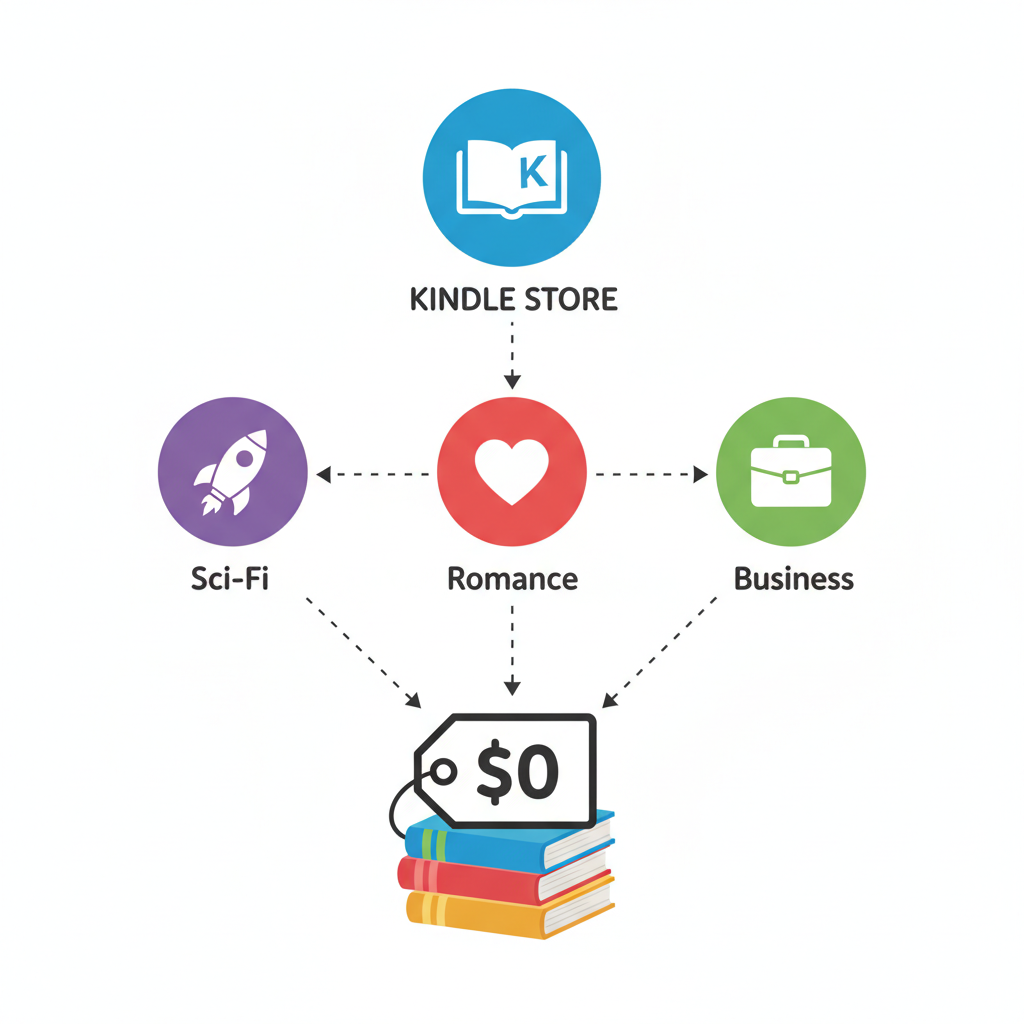
The ‘Top 100 Free’ list is great, but it’s just the appetizer. It’s a mix of everything, which means you might have to sift through 20 romance novels to find one sci-fi thriller. The real power move is to go deep and hunt for freebies in your favorite genres. This is how you build a library tailored specifically to you.
Amazon’s search function is more powerful than people realize. By combining category selection with a simple sorting trick, you can uncover thousands of free books that never make it to the main bestseller list. This is where you find the hidden gems—the indie authors and specialized non-fiction that perfectly match your interests.
The Deep-Dive Strategy:
- Choose Your Arena: Start on the main Kindle Books page. On the left-hand sidebar, you’ll see a long list of genres. Click on the one you’re interested in, for example, ‘Science Fiction & Fantasy.’
- Drill Down Further: Don’t stop there. Most broad genres have sub-genres. Under ‘Science Fiction & Fantasy,’ you can click on ‘Science Fiction,’ and then drill down even further to something specific like ‘Cyberpunk’ or ‘Space Opera.’ The more specific you get, the more curated your results will be.
- Deploy the Magic Filter: Once you’re in your desired sub-genre, look to the top right of the search results. You’ll see a dropdown menu that says ‘Sort by: Featured.’ Click on it.
- Unleash the Freebies: From the dropdown menu, select ‘Price: Low to High.’ Boom. Every single free book in that highly specific category will now be at the top of your list. You can scroll for pages, adding dozens of targeted, interesting books to your library for $0.
Repeat this process for all your favorite categories: Business & Money, Biographies & Memoirs, Cookbooks, Self-Help. You’re essentially creating your own personalized ‘Top Free’ list for every niche you care about. This is how you go from a casual freebie-finder to a master library curator.
Your Secret Weapon: The Public Library and the Libby App
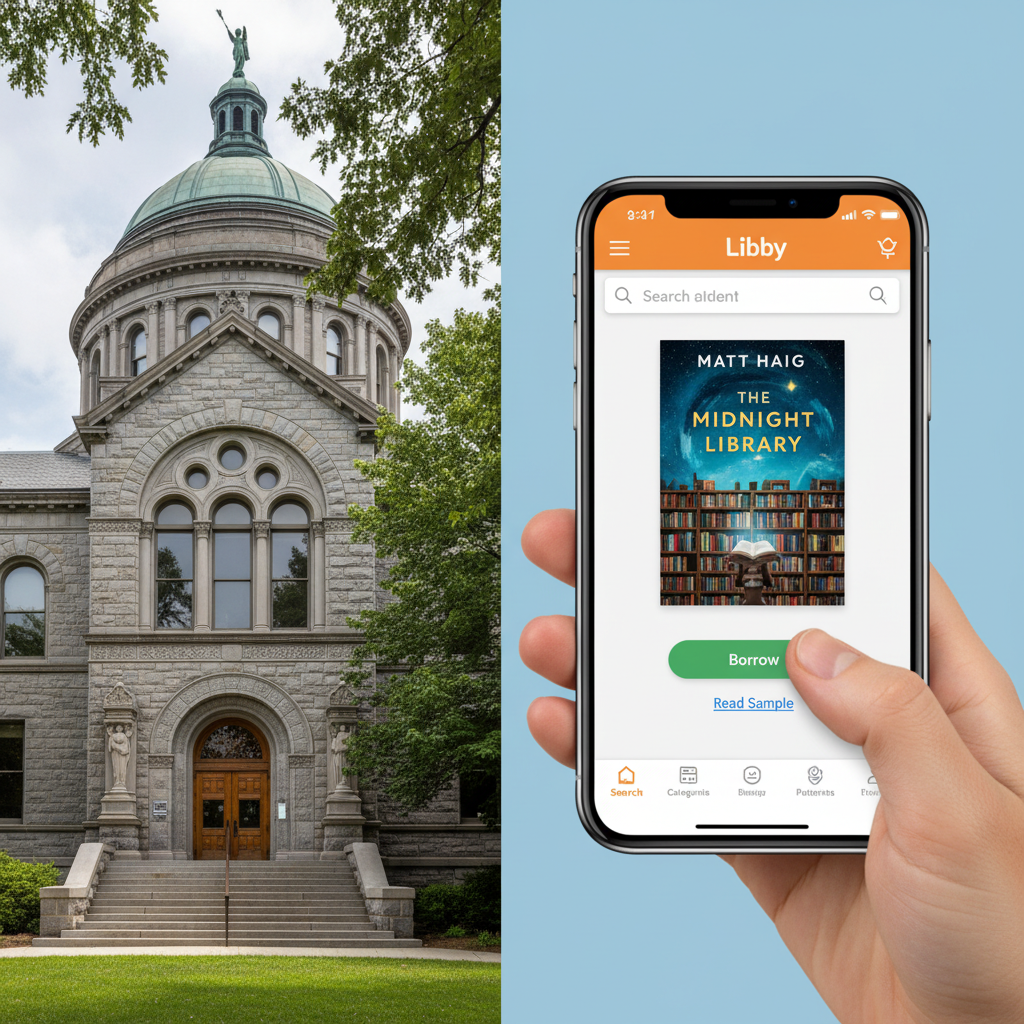
This is the most powerful hack in the entire playbook, and it’s criminally underused. Your local public library card is a key that unlocks millions of ebooks, including current bestsellers from big-name authors that will almost never be free on the Kindle store. And you can access it all from your couch using an app called Libby.
Libby, created by a company called OverDrive, is the modern, slick interface for your library’s digital collection. You connect your library card, and suddenly you have access to a massive catalog of ebooks and audiobooks. When you borrow a book, you can choose to have it sent directly to your Kindle. It’s seamless, legal, and completely free.
How to Get Started with Libby:
- Get a Library Card: If you don’t have one, get one. This is non-negotiable for any frugal enthusiast. Many library systems now let you sign up for a digital card online in minutes.
- Download the Libby App: It’s available for free on iOS and Android. The interface is clean and way more user-friendly than older library apps.
- Connect Your Card: Open the app and it will guide you through finding your library and entering your card number. You can even add cards from multiple library systems if you have them.
- Link Your Amazon Account: The first time you borrow a Kindle-compatible book, Libby will prompt you to log into your Amazon account to link them. It’s a one-time setup.
- Borrow and Place Holds: Browse your library’s collection. You can borrow available books instantly. For popular books with a waitlist, you can place a hold. When it’s your turn, you’ll get a notification, and you’ll have a few days to check it out. It’s like a VIP list for the hottest new reads.
Don’t sleep on this. You can read The Hunger Games, the latest Stephen King novel, or a New York Times bestselling business book without paying a dime. The only ‘cost’ is that you have to ‘return’ the book after your lending period (usually 14-21 days), but it happens automatically. For the price of a free library card, you get a multi-million dollar library at your fingertips.
The Insider’s Edge: Tapping into Author Promos & Freebie Sites
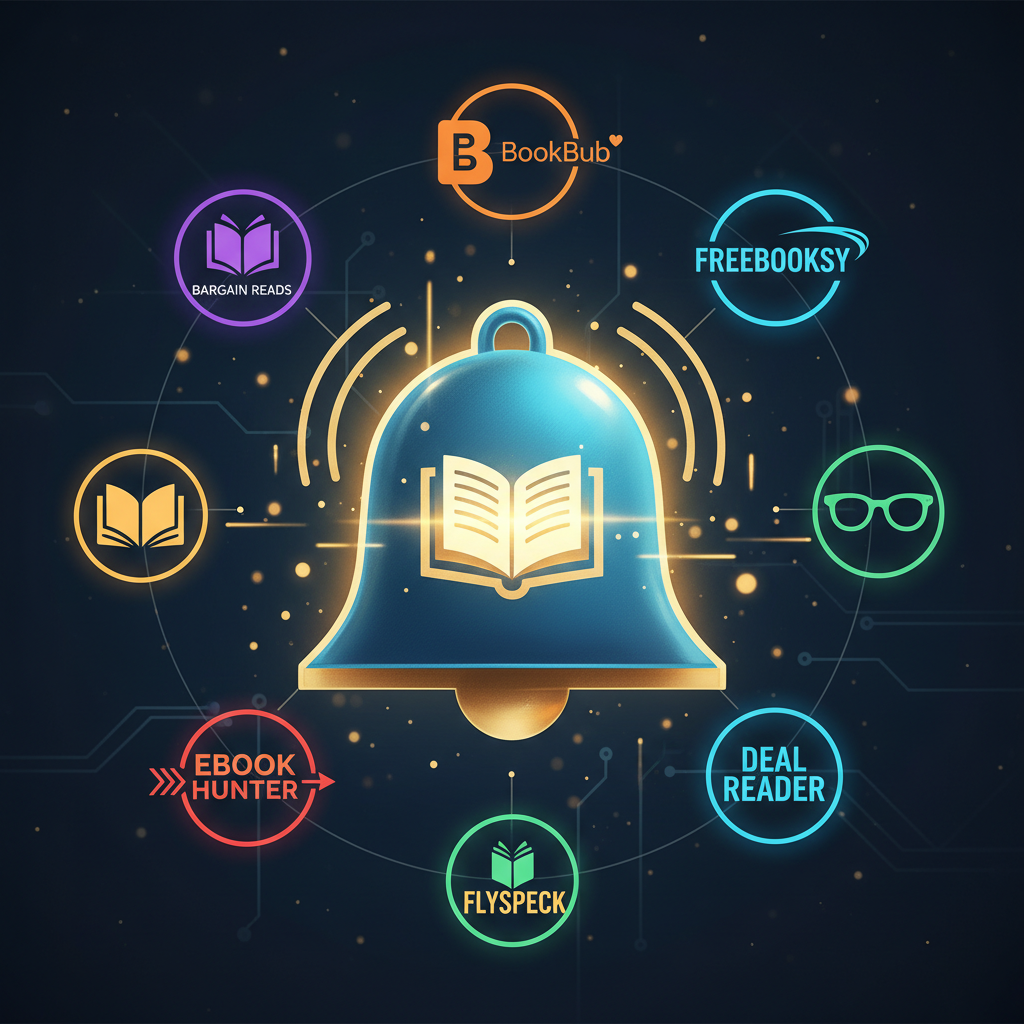
Why would an author give their book away for free? Simple: it’s a marketing strategy. They need reviews, they want to get you hooked on the first book in a series, and they want to build a mailing list of loyal fans. As a savvy reader, you can capitalize on this. A whole ecosystem of websites and newsletters exists purely to connect you with these limited-time author promotions.
Signing up for these services is like having a personal scout who finds the best free book deals across the internet and delivers them straight to your inbox. You tell them what genres you like, and they do the rest. This saves you the time of hunting and ensures you never miss a great deal.
Your Go-To Deal Aggregators:
- BookBub: This is the king of book deal sites. Their free ebook section is top-tier. When you sign up, you create a detailed profile of your reading preferences. They send you a single daily email with deals tailored to you, including a selection of high-quality freebies. Their standards are high, so you’re getting good stuff.
- The Fussy Librarian: Similar to BookBub, but often features more indie authors. It’s fantastic for discovering hidden gems. You have even more control over genres and content preferences (e.g., you can select the level of profanity or violence you’re comfortable with).
- eReaderIQ: This is a powerful tool for serious Amazon hackers. Beyond listing current freebies, it lets you track specific books or authors. You can create a watchlist, and eReaderIQ will email you the moment a book on your list drops in price or becomes free. It’s like a stock market alert system for ebooks.
- Goodreads: While it’s primarily a social network for readers, the Goodreads community and mailing lists are a great source for discovering giveaways and promotions directly from authors.
The strategy here is to sign up for one or two of these services that fit your style. Set up your preferences, and then just monitor your email. You’ll get a steady stream of hand-picked, high-quality free books without any extra work. This is how you automate your free library building.
The ‘Almost Free’ Play: Leveraging Prime Reading & Kindle Unlimited Trials
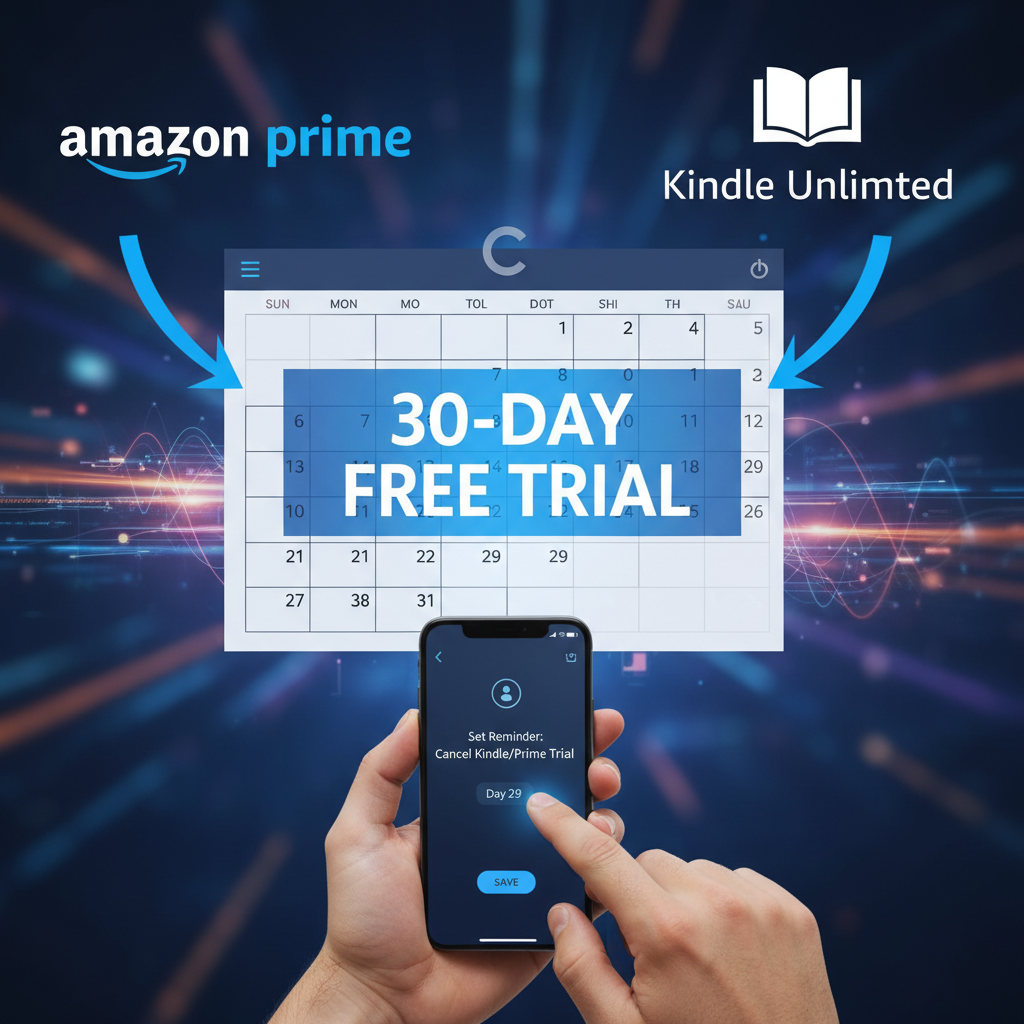
Okay, let’s talk about the services that feel free but have a catch. If you handle them smartly, they can be a massive boost to your reading list. We’re talking about Prime Reading and the Kindle Unlimited free trial. These aren’t ‘yours to keep forever’ books, but rather a rotating library you can borrow from.
Prime Reading is a perk for Amazon Prime members. It’s a curated collection of a few thousand ebooks, magazines, and comics that you can borrow for free (up to 10 at a time). If you already pay for Prime for the shipping, then this is a $0 add-on. It’s a no-brainer to check out the selection and see if anything interests you.
Kindle Unlimited (KU) is the big one. It’s Amazon’s ‘Netflix for books’ subscription service, giving you access to over a million titles. Normally it costs a monthly fee, but they almost always offer a 30-day free trial for new users. This is your window of opportunity.
The Free Trial Hustle:
- Sign Up Strategically: Don’t just sign up randomly. Wait until you have a vacation, a long weekend, or a period where you know you’ll have more time to read.
- Set a Reminder. Immediately: The second you sign up, go to your calendar and set a reminder for 2-3 days before the trial ends. This is the most important step. Forgetting to cancel is how they get you.
- Binge Read Everything: Go nuts. Download the maximum number of books at a time (usually 10-20). Read as much as you possibly can during your 30-day window. Target books you’ve been dying to read that aren’t available through the library.
- Cancel on Time: When your calendar alert goes off, go into your Amazon account settings and cancel the subscription. You’ll still have access for the remaining days of the trial.
The Golden Rule of Free Trials: The ‘Cancel Subscription’ button is your best friend. Never sign up for a trial without knowing exactly where that button is and setting a non-negotiable reminder to push it.
By rotating through free trials (sometimes they’ll offer you another one a year later), you can strategically access this massive library for short, intense bursts of reading without ever paying the subscription fee.
Old School Cool: Unlocking Thousands of Timeless Classics for Free
So far, we’ve focused on modern books and new releases. But what about the classics? The foundational texts of literature, philosophy, and science? There’s an incredible resource for these that is 100% legal, 100% free, and has been around longer than the Kindle itself: Project Gutenberg.
Project Gutenberg is a volunteer effort to digitize and archive cultural works, primarily books that are in the public domain. In the US, a book generally enters the public domain 70 years after the author’s death. This means that works by authors like Jane Austen, William Shakespeare, Mark Twain, and Arthur Conan Doyle are completely free for anyone to use, share, and read.
How to Get Classics on Your Kindle:
- Visit the Project Gutenberg Website: Go to Gutenberg.org. The site is simple, no-frills, and run by a non-profit. It’s a library, not a storefront.
- Search for a Book or Author: Look for Pride and Prejudice, Moby Dick, The Adventures of Sherlock Holmes, or any other classic you’ve meant to read. You’ll be amazed at the sheer volume of what’s available.
- Choose the Right Format: When you find a book, you’ll see a list of download options. Look for the ‘Kindle’ or ‘mobi’ format. Some may only be available in ‘epub,’ which requires an extra conversion step, so stick to the Kindle formats for ease.
- Transfer to Your Device: The easiest way is to use Amazon’s ‘Send to Kindle’ service. Every Kindle device and app has a unique email address. You can find it in your Amazon account settings under ‘Manage Your Content and Devices’ -> ‘Preferences’. Simply email the downloaded book file to that address, and it will appear in your library automatically.
This is the ultimate frugal hack for building a truly impressive and foundational library. These are the books that have shaped culture for centuries, and they are all available to you for the cost of a few clicks. Don’t overlook this treasure trove.
Conclusion
There you have it. The complete playbook to building a digital library that would make a millionaire jealous, all on a $0 budget. We’ve covered everything from the simple filters on Amazon’s site to the powerhouse library apps and classic literature archives. There is no excuse to not be reading. There is no reason to let a tight budget stop you from learning a new skill, exploring a new world, or challenging your own perspectives.
The real secret isn’t a single button or a magic website; it’s a change in mindset. It’s about seeing the system and understanding how to make it work for you. Stop being a passive consumer and start being a resourceful hacker. Pick one or two of these strategies, work them into your routine, and watch your Kindle fill up with incredible books. Your brain—and your wallet—will thank you.


Makenzie is the founder and lead writer at MoneyHackTips.com — a personal finance blog dedicated to delivering street-smart financial wisdom for real people on real budgets. With 300+ published articles covering everything from debt management to investing fundamentals, Makenzie’s mission is to make every dollar work harder. When not writing about money hacks, Makenzie is testing frugal living strategies, optimizing side hustles, and helping readers build financial freedom from scratch.