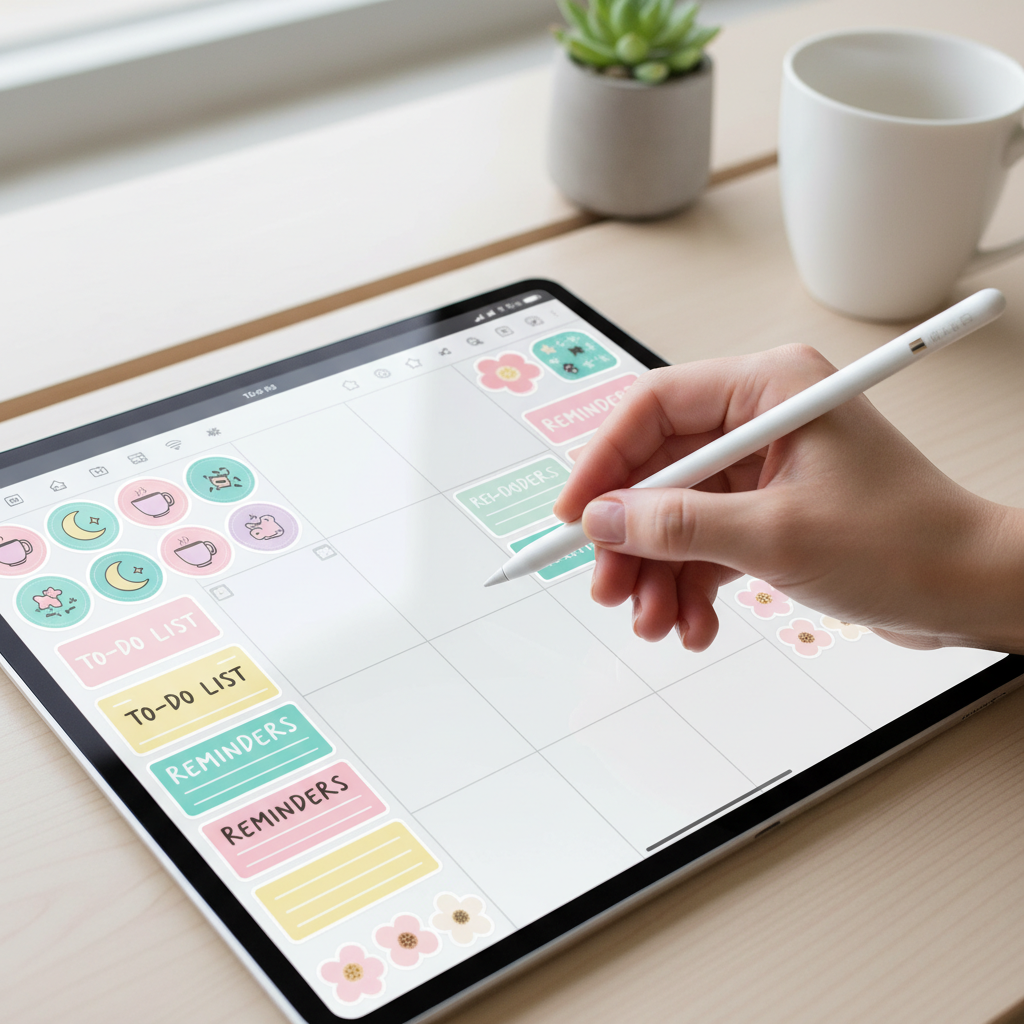
Why Buy? 20+ Cute & Free Digital Planner Stickers for Your iPad
Let’s get real. You’ve got your iPad, your fancy digital planner, and you’re ready to organize your life into a masterpiece. Then you hit the Etsy or Creative Market rabbit hole. A sticker pack here, a digital washi tape there, and suddenly you’ve dropped $50 on pixels that are supposed to help you *save* money. It’s a trap. The pressure to have a perfectly aesthetic planner can drain your wallet faster than a forgotten subscription.
But here’s the street-smart truth: you don’t have to pay to play. Having a beautiful, functional, and motivating digital planner isn’t about buying the most expensive sticker sets. It’s about being resourceful. It’s a frugal hack that puts you back in control. Why spend your hard-earned cash on disposable digital decorations when you can get them for free? We’re not talking about a few lame, low-quality samples. We’re talking about a treasure trove of high-quality, artist-made stickers that will make your planner pop without costing a dime.
This guide is your official permission slip to stop overspending. We’re going to break down the real cost of ‘cute,’ give you the ultimate cheat sheet to the best free sticker sources online, show you exactly how to use them, and even teach you the boss move of creating your own. Get ready to level up your planning game for $0.
The High Cost of Pretty Planning: Why You’re Overspending
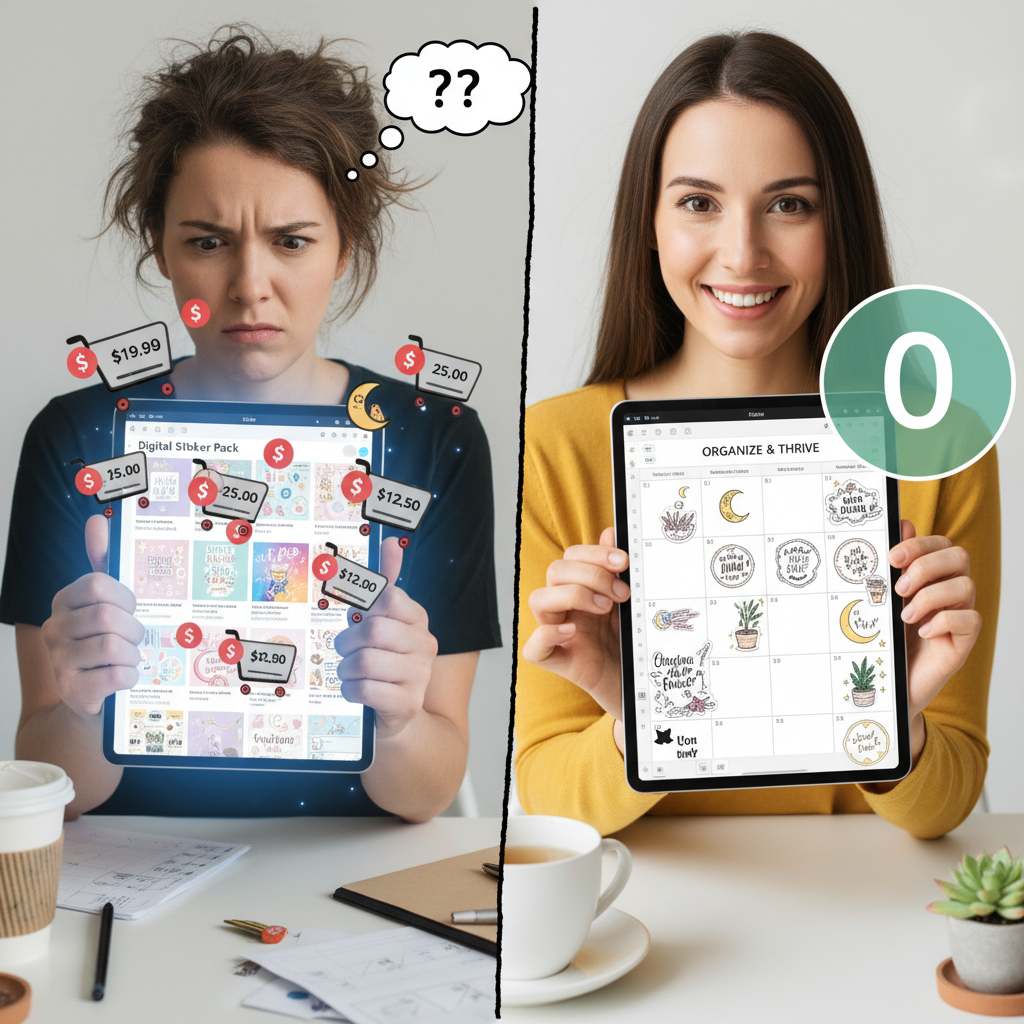
The High Cost of Pretty Planning: Why You’re Overspending
The digital products world is a goldmine… for the sellers. For us, the consumers, it can be a sneaky budget leak. A single pack of digital stickers might only be $5, which feels harmless. But who buys just one? You need seasonal packs, functional icons, motivational quotes, and color-coordinated sets. It’s a deliberate system designed to keep you coming back for more. Let’s do the math.
You buy two new sticker packs a month to keep your planner fresh. That’s a conservative estimate for a real planner enthusiast. At an average of $5 per pack, that’s $10 a month. Doesn’t sound like much, right? Wrong. That’s $120 a year. For digital images. That’s money that could have paid for a streaming bundle, a chunk of your phone bill, or been invested. It’s a classic case of small leaks sinking a big ship.
| Expense Category | Typical Monthly Cost | Annual Cost | What That Money Could Be |
|---|---|---|---|
| Digital Sticker Packs | $10 – $20 | $120 – $240 | A year of cloud storage, a quality pair of headphones, or a weekend road trip. |
| Digital Planners | $15 – $30 (one-time) | $15 – $30 | Dinner out with a friend. |
| Digital Washi & Extras | $5 – $10 | $60 – $120 | Multiple months of your favorite coffee subscription. |
| TOTAL POTENTIAL SPEND | $30+ | $195 – $390+ | Significant savings or debt repayment. |
The point isn’t that creators shouldn’t get paid; it’s that you, the savvy hustler, need to be intentional with your spending. Many of these same amazing creators offer incredible freebies as a way to introduce you to their work. By tapping into these free resources, you’re not being cheap—you’re being strategic. You’re getting the same aesthetic and functional value without letting your budget get derailed by digital confetti.
The Ultimate Cheat Sheet: 20+ Sources for Legit Free Digital Stickers
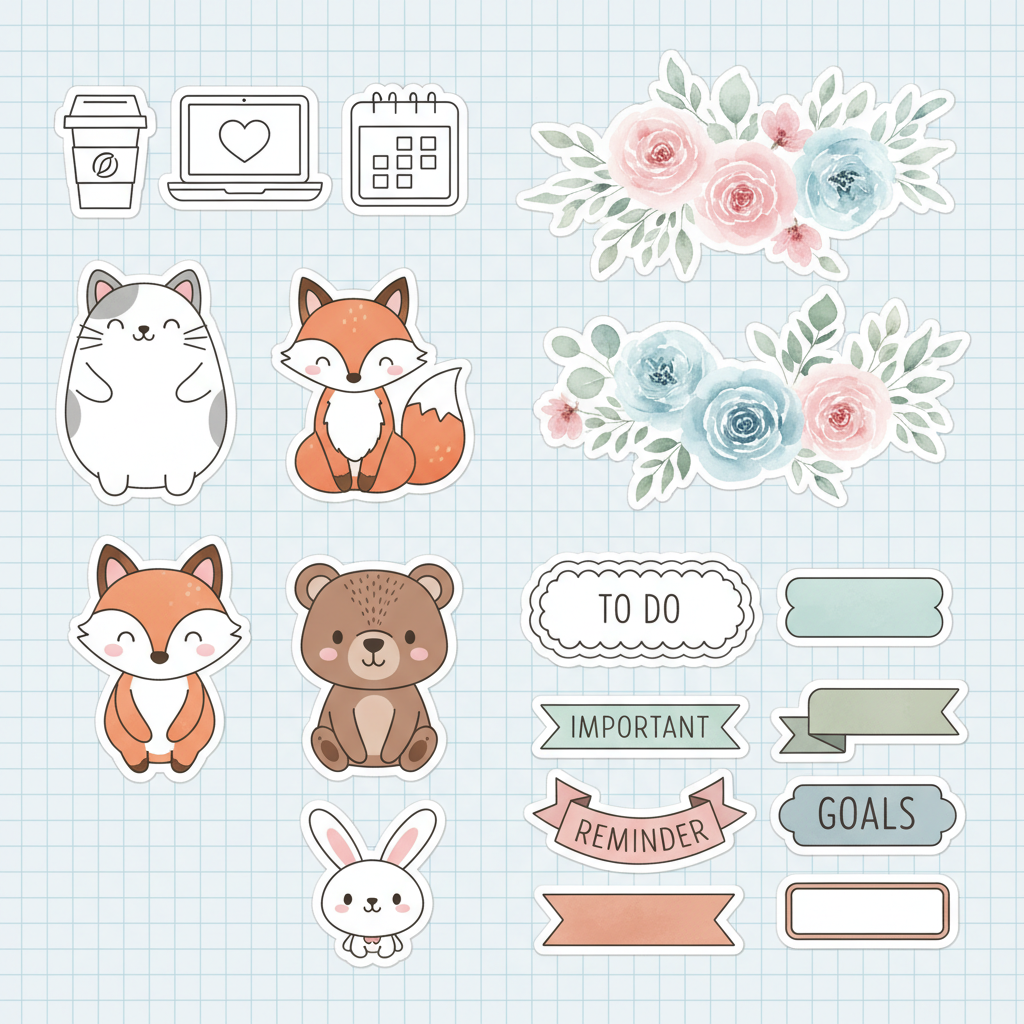
The Ultimate Cheat Sheet: 20+ Sources for Legit Free Digital Stickers
Alright, this is the part you came for. The master list. Forget aimless Googling that leads to sketchy sites. These are tried-and-true sources used by frugal planners everywhere. Most of these require a newsletter signup, which is a small price to pay for a library of free goods. Pro tip: use a separate email address for subscriptions to keep your main inbox clean.
Best for All-in-One Freebie Libraries
- Passion Planner: They offer a massive library of free downloads, including digital stickers, planner pages, and more. A goldmine for functional planning.
- The Digital Siren: Known for gorgeous, high-quality freebies. Signing up for her newsletter often gets you access to a vault of stickers.
- Love From Mim: An incredible resource with a huge library of free planner printables and digital stickers for subscribers.
- Printables & Inspirations: Offers a wide variety of free stickers, from cute and floral to minimalist and functional.
- By Rosa: A fantastic source for chic and minimalist digital planning freebies.
Best for Cute & Whimsical Styles
- Wendaful Planning: Her blog is packed with free printable stickers that can easily be used digitally. Super cute and fun designs.
- Space and Quiet: Offers beautifully designed, often nature-inspired, digital freebies.
- The Petite Planner: While focused on printables, her sticker sheets are perfect for digital use and come in a variety of adorable themes.
- Victoria Thatcher: Her blog often features free digital sticker sets with a lovely, artistic flair.
- Caffeinated Crait: A great spot for fun, pop-culture-inspired stickers and planner accessories.
Best for Functional & Minimalist Vibes
- Day Designer: Often releases free digital goods, including clean, professional stickers that are great for work or minimal planning.
- GoodNotes Blog: The app itself frequently shares free templates and stickers from featured creators.
- Every Tuesday: A graphic design blog that regularly gives away high-quality digital assets, including stickers and textures that are perfect for planners.
- Just a Girl and Her Blog: Known for organizational content, she provides excellent functional and clean sticker sets.
- Productive & Pretty: Focuses on stickers that genuinely help with organization—think icons, headers, and habit trackers.
Don’t Forget These Platforms
- Pinterest: Search for “free digital planner stickers.” It’s a visual search engine, making it perfect for finding styles you love. Just be sure the pin leads to the original creator’s blog or website, not a content farm.
- YouTube: Many digital planning YouTubers offer free sticker packs to their subscribers as a thank you. Look in the description boxes of “plan with me” videos.
- Gumroad & Ko-fi: Search for “free” or “pay what you want” digital stickers. Many creators use these platforms to distribute freebies.
- Facebook Groups: Join groups dedicated to digital planning (e.g., “Digital Planning for Beginners”). Members and creators frequently share free files in these communities.
- Creator Instagrams: Follow your favorite digital planning creators. They often post links to limited-time freebies in their stories or bio.
The Playbook: How to Download and Use Your Free Stickers (No Tech Degree Required)
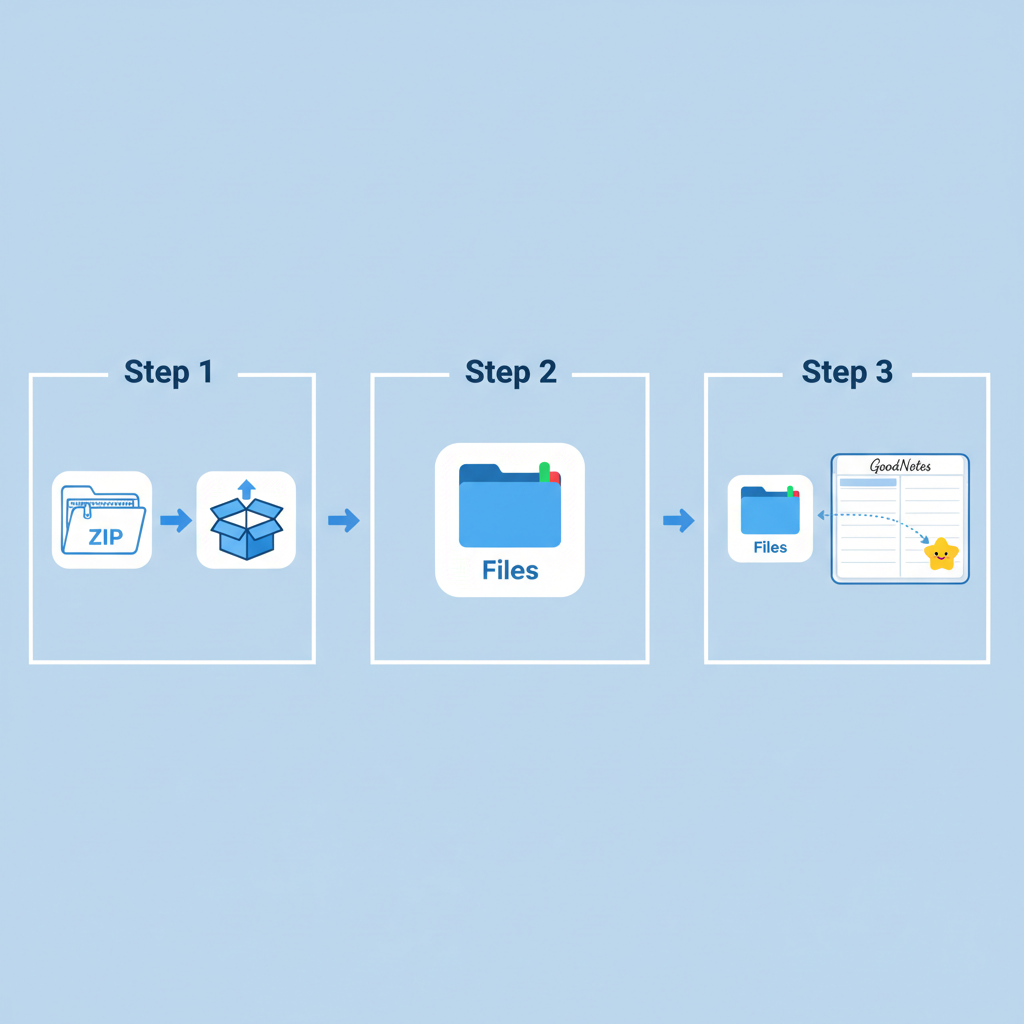
The Playbook: How to Download and Use Your Free Stickers (No Tech Degree Required)
Getting your hands on free stickers is one thing; getting them into your planner is another. Don’t get intimidated. It’s a simple process you can master in minutes. Here’s the step-by-step playbook for iPad users, focusing on GoodNotes, one of the most popular apps.
- Download and Unzip: Most freebies come in a .zip file. After downloading from Safari, open the Files app on your iPad. Find the .zip file in your ‘Downloads’ folder. Just tap it once. Boom. The iPad will automatically create a new, unzipped folder containing your sticker files (usually as individual PNG images).
- Open Your Apps in Split Screen: This is the game-changing move. Open your digital planner in GoodNotes. Then, swipe up from the bottom of the screen to bring up the dock. Tap and hold the Files app icon and drag it to the right side of the screen. You should now have GoodNotes on one side and your sticker folder open on the other.
- Drag, Drop, and Resize: This is where the magic happens. Simply tap and hold the sticker image you want from the Files app, drag it across the screen, and drop it onto your planner page in GoodNotes. It’s that easy. Once it’s on the page, you can tap the sticker to select it, then resize and rotate it to fit perfectly.
- Create a Sticker Book (The Pro Move): Don’t want to open the Files app every time? Create a ‘sticker book’ right inside GoodNotes. Create a new notebook and dedicate it to your stickers. Drag and drop ALL your free stickers into this notebook, organizing them by page (e.g., one page for icons, one for banners). Now, when you need a sticker, just open your sticker book in a new tab, use the ‘Lasso’ tool to copy it, and paste it into your daily planner.
The Golden Rule of Organization: Create a dedicated folder in your cloud storage (iCloud, Dropbox, Google Drive) called ‘Digital Stickers.’ Inside that, create subfolders for every creator or style (e.g., ‘Functional,’ ‘Seasonal,’ ‘The Digital Siren’). When you download a new set, unzip it and move it to the correct folder immediately. This 5-minute habit will save you hours of searching later.
The Boss Move: Create Your OWN Free Digital Stickers
The Boss Move: Create Your OWN Free Digital Stickers
Why hunt for the perfect sticker when you can create it yourself? This is the ultimate frugal hack. You don’t need to be a professional artist. With free and accessible tools, you can make custom stickers that perfectly match your style and needs. This is how you take full control of your planner’s aesthetic.
Method 1: The Canva Quick-Start
Canva is a free graphic design tool that’s incredibly user-friendly. It’s perfect for creating text-based stickers, simple icons, and functional shapes.
- Create a free Canva account. Start a new design with custom dimensions (e.g., 500×500 pixels).
- Use the ‘Elements’ tab to find thousands of free graphics, shapes, and icons. Search for things like “leaf,” “checkmark,” or “arrow.”
- Use the ‘Text’ tab to create your own motivational quotes or headers. Play with fonts and colors.
- Once your design is perfect, click ‘Download.’ Critically, you must select ‘PNG’ as the file type and check the box for ‘Transparent Background.’ This is key!
- Save the file to your iPad and drag it into your planner just like any other sticker.
Method 2: Using Your Own Doodles (Procreate or other drawing apps)
If you like to draw, even simple doodles can become amazing stickers. Apps like Procreate are a paid investment, but free alternatives like Autodesk Sketchbook work great too.
- Open your drawing app and create a new canvas.
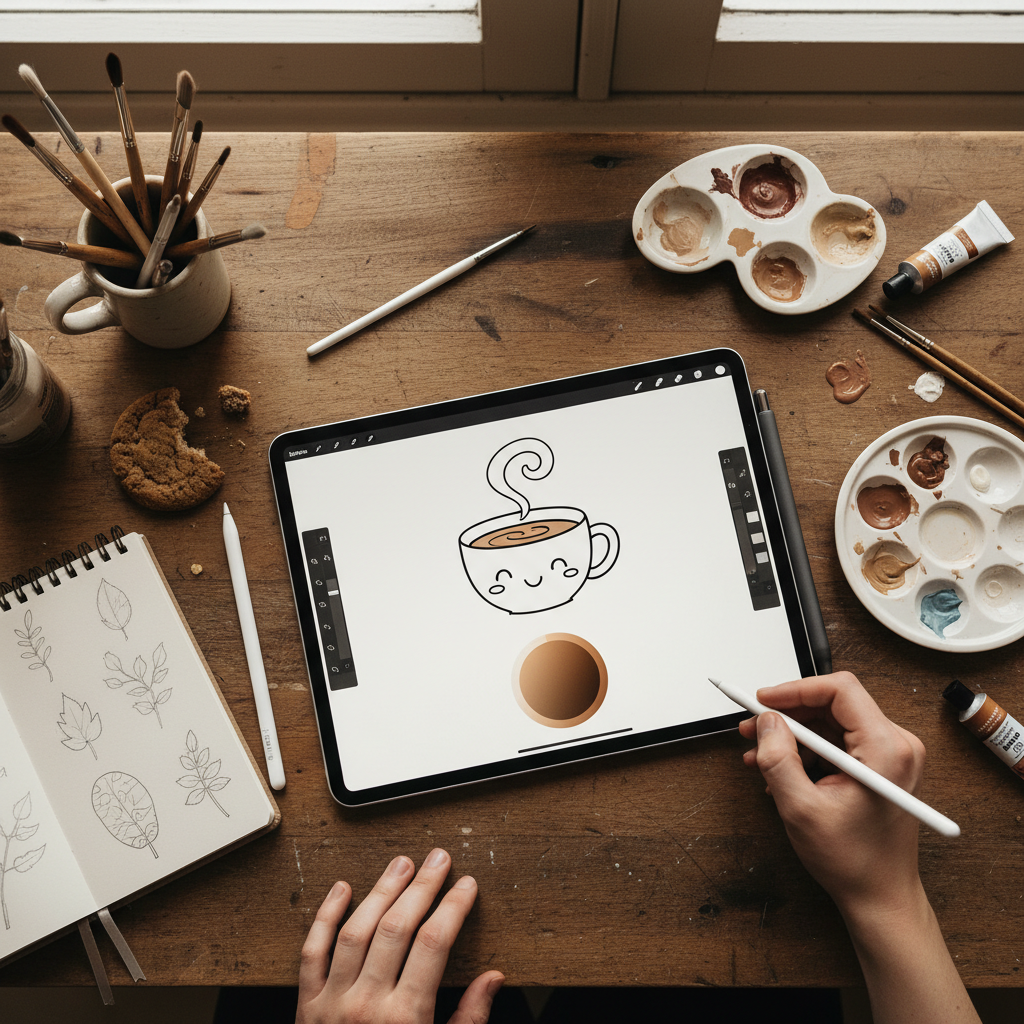
- Draw your sticker! A simple coffee cup, a star, a scribbled reminder box—anything goes.
- Turn off the background layer. This is crucial for making the area around your drawing transparent.
- Export the image as a PNG file. This will preserve the transparency.
- Airdrop or save the PNG to your Files app, and it’s ready to be used in your planner.
Making your own stickers isn’t just about saving money; it’s about unlocking a new level of creativity. You can even turn it into a side hustle. Start by creating your own, share them for free to build an audience, and you could eventually open your own shop. You’ve gone from consumer to creator.
The Ground Rules: Understanding Freebie Licensing
The Ground Rules: Understanding Freebie Licensing
This is the part that most people skip, but street-smart hustlers pay attention. ‘Free’ doesn’t always mean a free-for-all. Understanding the rules protects you and respects the creators who are generously sharing their work.
There are two main types of licenses you’ll encounter:
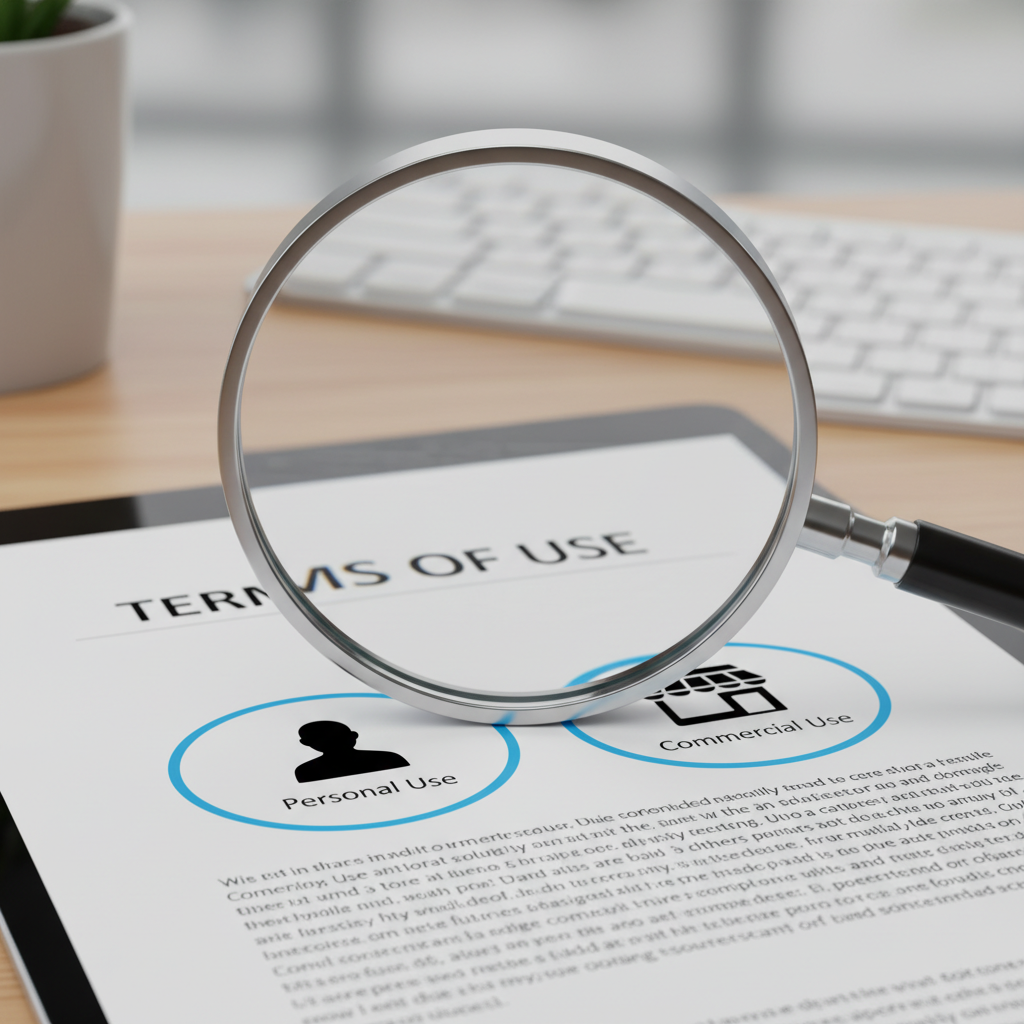
- Personal Use: This is the most common license for freebies. It means exactly what it sounds like: you can use the stickers for your own personal projects. Your digital planner, your personal journal, your family’s digital calendar—all good. You absolutely CANNOT use them in any project that makes money or for a client.
- Commercial Use: This license gives you permission to use the design in products you sell or for business purposes (like on your company’s social media). It is very rare for freebies to come with a commercial license. If they do, it’s usually for a limited time or a specific set of items.
Always check the creator’s website for a ‘Terms of Use’ or ‘License’ page. If you can’t find one, the safe assumption is that it’s for personal use only. Respecting these terms is what keeps the freebie ecosystem alive and well. When creators are respected, they keep sharing.
Scam Warning: Be extremely wary of people on Etsy or other marketplaces selling huge ‘sticker bundles’ for a few dollars. Many of these sellers illegally grab freebies from artists all over the internet and bundle them for a quick profit. Buying these not only rips off the original artists but often leaves you with a folder of stolen, low-quality images. Stick to the original creator’s website to ensure you’re getting legit, high-quality files and supporting the right people.
Conclusion
You now have the complete playbook to deck out your digital planner for free, forever. You know where to find the goods, how to use them, and even how to make your own. The myth that a beautiful, motivating planner has to be an expensive hobby is officially busted. By using free digital stickers, you’re not just saving a few bucks; you’re making a conscious decision to be a smart consumer. You’re redirecting your money from fleeting digital decorations to things that actually move the needle—your savings goals, your debt payoff plan, or your next side hustle investment.
So go ahead, download with confidence, create with passion, and organize your life with the satisfaction that you outsmarted the system. Your planner will look amazing, and your bank account will thank you. That’s the ultimate frugal win.