
Cut The Cord Costs: How To Get Your Favorite Streaming Services For Dirt Cheap
Let’s be real. The promise of ‘cutting the cord’ was supposed to be about freedom and saving a boatload of cash. But now you’re juggling Netflix, Hulu, Max, Disney+, Paramount+, and three others you forgot you even subscribed to. Your monthly bank statement looks less like cord-cutting and more like you’re funding a Hollywood studio yourself. The total is creeping up, looking suspiciously like the cable bill you gleefully ditched years ago. It’s a classic bait-and-switch, and you’re the one paying for it.
But what if I told you that you can have it all—the prestige dramas, the blockbuster movies, the reality TV you secretly love—without the insane price tag? This isn’t about deprivation. This is about being smarter than the system. It’s about a strategic, surgical strike on your subscriptions to get maximum entertainment for minimum cash. This guide is your new playbook, your street-smart strategy to slash your streaming bill and put that money back where it belongs: in your pocket.
Step 1: The Brutal Audit – Find Out Where Your Money is Actually Going
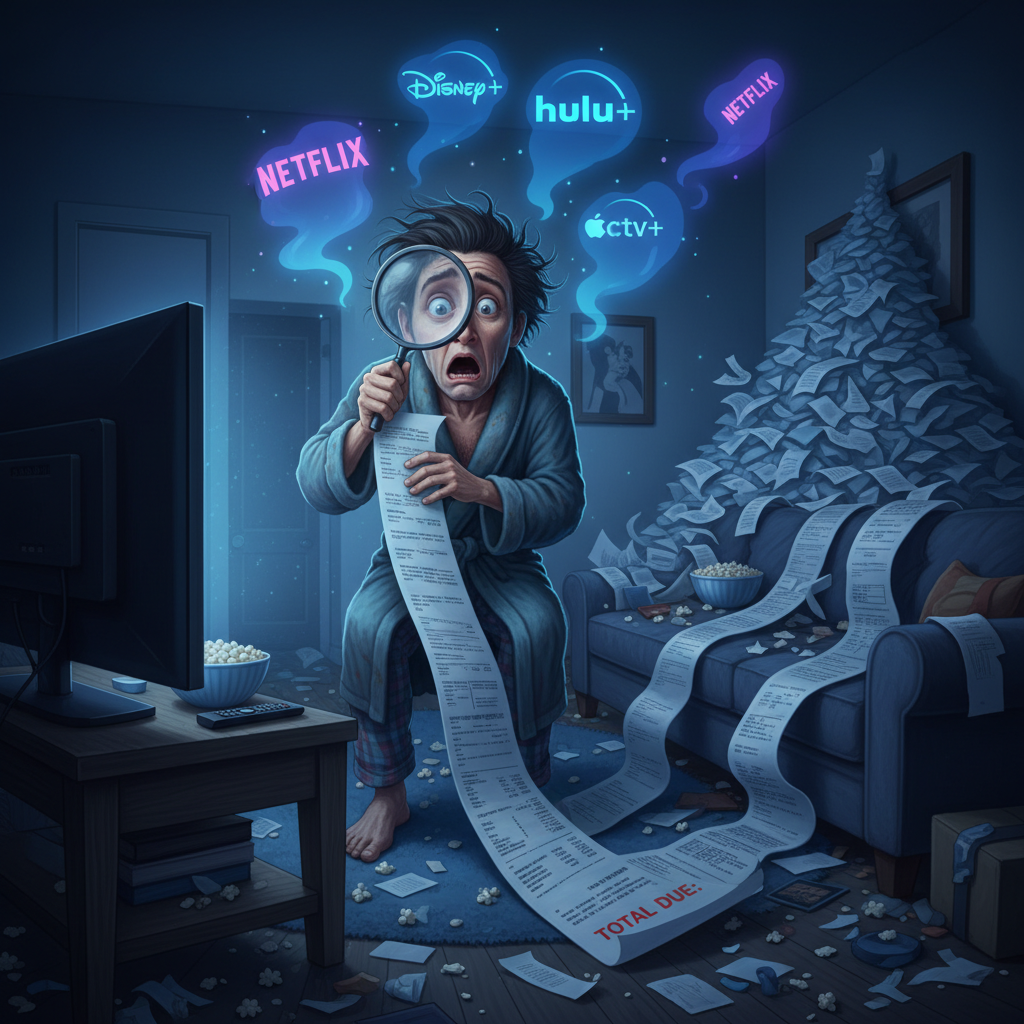
Before you can fix the leak, you gotta find it. Most people are bleeding money on subscriptions they don’t even use. That free trial you signed up for to watch one movie? It’s been quietly draining your account for six months. It’s time for a no-nonsense audit to see the real damage.
Your Game Plan:
- Manual Takedown: Grab a pen and paper, or open a spreadsheet. Go through your memory and list every single service you think you pay for. Don’t forget music, niche services, or that British TV app you downloaded.
- Forensic Accounting: Now for the real truth. Log into your credit card and bank accounts online. Search for recurring payments from names like ‘Netflix,’ ‘Hulu,’ ‘AMZ,’ ‘Apple,’ ‘Google,’ ‘Roku.’ You will find subscriptions you completely forgot about. I guarantee it.
- Call in the Apps: If you want to automate this, use a service like Rocket Money or Trim. These apps connect to your accounts and sniff out all your recurring subscriptions like a bloodhound. They make it painfully easy to see the full list and cancel the dead weight right from the app.
Now, let’s put it in black and white. Use this table to map out your current spending. The final number might shock you, and that’s the point. It’s the motivation you need to make a change.
| Streaming Service | Monthly Cost | Annual Cost |
|---|---|---|
| Netflix (Standard) | $15.49 | $185.88 |
| Hulu (No Ads) | $17.99 | $215.88 |
| Max (Ad-Free) | $15.99 | $191.88 |
| Disney+ (Premium) | $13.99 | $167.88 |
| Your Forgotten Service #1 | $9.99 | $119.88 |
| YOUR TOTAL | $73.45 | $881.40 |
Seeing a number like $881.40 a year for TV should light a fire under you. That’s a weekend trip, a serious debt payment, or a big boost to your savings account. This is the ‘why’ behind the hustle.
Step 2: Master the ‘Churn and Burn’ – The #1 Hack for Serial Binge-Watchers
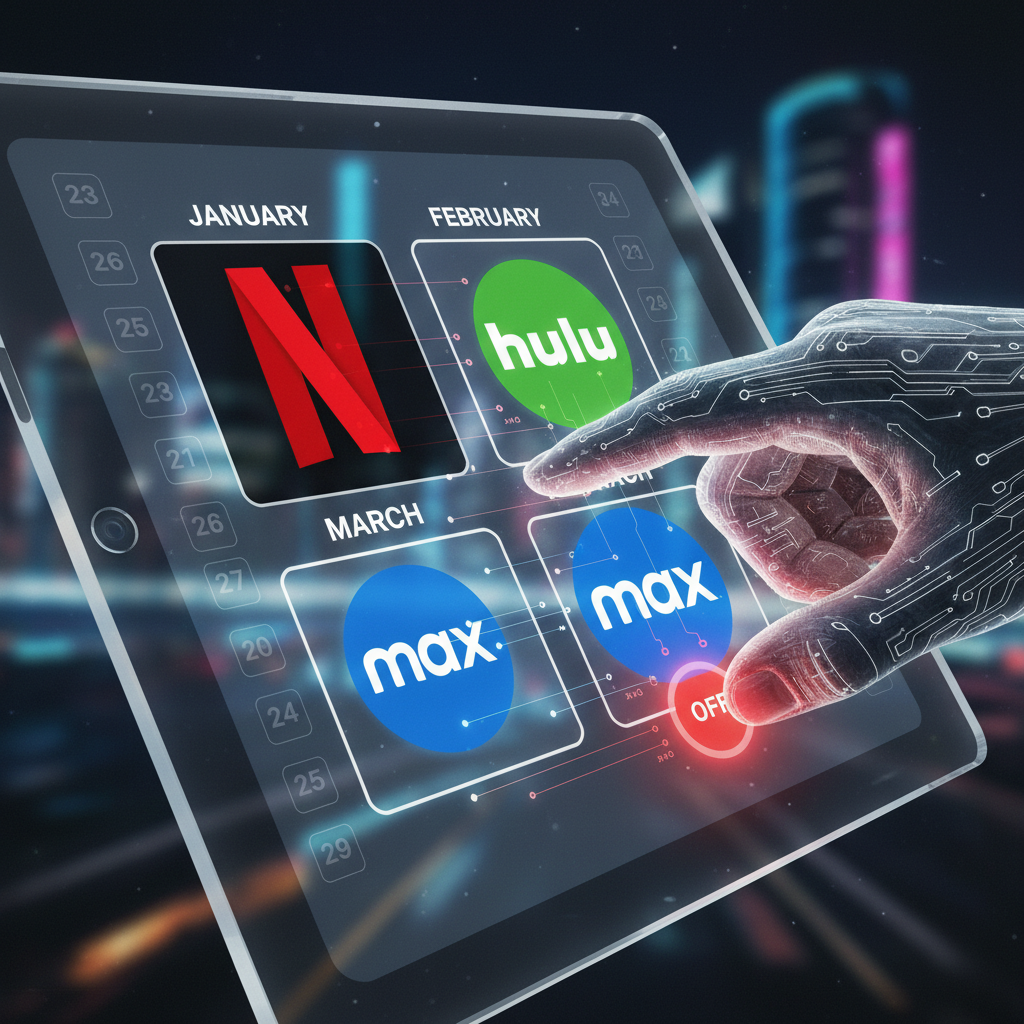
Loyalty is for family and pets, not for billion-dollar media corporations. The single most powerful strategy in your arsenal is the ‘Churn and Burn.’ This means treating streaming services like a buffet, not a lifetime commitment. You subscribe, you binge, you cancel. It’s that simple.
Think about it: are you really watching Max every single month? Or did you just get it for House of the Dragon and now it’s sitting idle? The ‘Churn and Burn’ method is your answer. Here’s how it works:
- Identify Your Target: What’s the one show you’re dying to see right now? Let’s say it’s the new season of The Bear on Hulu.
- Subscribe Strategically: Sign up for Hulu for one month. The No-Ads plan is $17.99.
- Binge Like a Pro: Watch the entire season within that 30-day window.
- Cancel Immediately: This is the most important step. As soon as you’ve subscribed and confirmed your payment, go right back into your account settings and hit ‘Cancel Subscription.’
The Golden Rule of the Churn: Cancel the SAME DAY you subscribe. Nearly every service will let you finish out the paid month even after you’ve cancelled. This prevents the ‘I’ll do it later’ forgetfulness that costs you money.
By rotating your services, you can hop from Max to Netflix to Apple TV+ throughout the year, only paying for one at a time. Instead of paying $50+/month for three services, you’re paying $15-$20/month for the one you’re actually using. The math is simple: this strategy alone can save you over $400 a year.
Step 3: Tap the Freebie Goldmine – Legit Free Streaming You’re Ignoring

You’ve been conditioned to think you have to pay for good content. That’s a lie. There’s a whole world of 100% free and legal streaming services packed with thousands of movies and shows. All you have to trade is a little bit of your time for some ad breaks—a small price to pay for free entertainment.
Your Free Streaming Hit List:
- Tubi: This is the king of free. Its library is shockingly huge and includes Oscar-winning movies and classic TV shows you can’t find anywhere else. The ad load is very reasonable.
- Pluto TV: Owned by Paramount, this service mimics the traditional cable TV experience with hundreds of ‘live’ channels dedicated to everything from Star Trek to true crime. It also has a solid on-demand section.
- Freevee: This is Amazon’s free, ad-supported service. It has some great original shows like Jury Duty and a rotating selection of popular movies.
- The Roku Channel: Even if you don’t have a Roku device (though you should), you can access The Roku Channel. It offers a mix of live and on-demand content, including its own originals.
The Ultimate Frugal Hack: Your Library Card
This is the one they don’t want you to know about. Your local library card is a key to a digital treasure chest. Check if your library offers:
- Kanopy: Known for its incredible collection of critically acclaimed films, classic cinema, and insightful documentaries. You typically get a set number of ‘credits’ to watch movies each month, completely free.
- Hoopla Digital: This service offers not just movies and TV shows, but also music, audiobooks, and comics. It’s an all-in-one entertainment app, and it costs you nothing.
Still skeptical? Look at how these free options stack up against the paid giants.
| Feature | Paid Services (Netflix/Hulu) | Free Services (Tubi/Kanopy) | The Bottom Line |
|---|---|---|---|
| Monthly Cost | $15 – $25+ | $0 | Free always wins. |
| Content Library | Latest blockbusters & originals | Huge back catalog, classics, indie films | You can get 80% of the entertainment for 0% of the cost. |
| Ad-Intrusiveness | None (on premium plans) | Varies (some ads, none on Kanopy) | A few ads are a small price to pay for hundreds in savings. |
| Video Quality | Up to 4K HDR | Typically 1080p HD | HD is perfectly fine for most viewers. |
Step 4: The Discount Hustle – Never Pay Full Price Again
Paying the sticker price is for suckers. There are always deals, bundles, and discounts to be had if you know where to look. It’s time to leverage the services you already pay for to cut down your streaming bill.
Leverage Your Phone & Internet Plan
Your mobile carrier wants to keep you as a customer, and they’re willing to throw in some serious perks to do it. T-Mobile’s ‘Netflix on Us’ is the most famous example, but Verizon and AT&T often have offers for free or discounted access to services like the Disney+ bundle or Max. Action step: Log into your mobile account or call customer service right now and ask what streaming perks are included with your plan. You could be sitting on a free subscription.
The Student Discount Game
If you have a .edu email address (or know someone who does), you have a golden ticket. Don’t let it go to waste. The deals are insane:
- Spotify Premium for Students: This is the holy grail. For $5.99/month, you get Spotify Premium, Hulu (With Ads), and Showtime. That’s three services for less than half the price of one.
- Amazon Prime Student: Get a six-month free trial and then 50% off Prime, which includes Prime Video.
- YouTube Premium: Get ad-free YouTube and YouTube Music for a heavily discounted student rate.
The Annual Plan Play
For the one or two services you know you’ll keep all year (maybe Disney+ for the kids or Netflix for the family), switching to an annual plan is a no-brainer. It’s a simple move that saves you real money. Let’s do the math on the Disney+ Bundle (Hulu and Disney+):
- Monthly (with ads): $9.99/month = $119.88/year
- Annually: Not offered.
- Monthly (no ads): $19.99/month = $239.88/year
- Annually: Wait for a deal, but for a single service like Hulu (No Ads): $17.99/month is $215.88/year. The annual plan is $179.99. That’s a $35.89 savings just for paying upfront.
A Warning on Account Sharing
Sharing a family plan with roommates or actual family you trust is a great way to split costs. But be smart about it.
Scam Warning: Stay away from sketchy websites or social media groups offering to sell you a spot on a stranger’s ‘family plan.’ You’re risking your payment information, giving strangers access to your viewing habits, and could get the entire account shut down. Only share with people you can call or text if there’s a problem.
Bonus Round: The One-Time Purchase That Saves You Forever

We’ve talked a lot about streaming, but let’s not forget the original ‘cord-cut’: free, over-the-air (OTA) television. Forget the fuzzy rabbit ears of the past. Modern HD antennas are sleek, powerful, and can pull in dozens of channels in crystal-clear high definition for a one-time purchase.
What do you get for free? All the major networks: ABC, CBS, NBC, FOX, PBS, and The CW. That means you get access to:
- Major Live Sports: The Super Bowl, the NBA Finals, The Masters, and your local NFL games.
- Local News and Weather: Stay connected to your community without a cable subscription.
- Primetime Network Shows: Watch top-rated shows live as they air.
The setup is ridiculously simple:
- Do Your Recon: Go to a website like AntennaWeb.org and enter your zip code. It will show you exactly which channels you can expect to receive and from which direction the signals are coming.
- Buy the Right Gear: Based on the report, buy a highly-rated indoor or outdoor antenna. A great indoor antenna can cost as little as $20-$50.
- Plug and Scan: Connect the antenna to your TV’s coaxial input, place it near a window, and run the ‘channel scan’ function in your TV’s menu. In minutes, you’ll have dozens of free HD channels.
Let’s talk about the return on investment. A live TV streaming service like YouTube TV or Hulu + Live TV costs around $70/month. A $30 antenna that replaces that service saves you $840 in the first year alone. It is, without a doubt, the single best investment you can make in your cord-cutting journey.
Conclusion
The days of passively letting subscription fees drain your bank account are over. You are now armed with a complete battle plan to take back control. You know how to audit your spending, master the ‘Churn and Burn,’ tap into the goldmine of free services, hustle for every last discount, and leverage a simple antenna for endless free content. This isn’t about sacrificing your entertainment; it’s about being a savvy consumer who refuses to be taken for a ride.
Your mission is to stop being a passive subscriber and start being an active manager of your money. Pick just one of these strategies and put it into action today. Cancel one service. Check your phone plan for perks. Order that antenna. The power is in your hands, and the savings are real. Now go get your money back.