

5 Free Resume Templates That Get You Hired Instantly In 2024
Let’s be real: job hunting can feel like you’re shouting into a black hole. You spend hours tailoring your resume, writing the perfect cover letter, and hitting ‘Apply’—only to be met with soul-crushing silence. The so-called ‘gurus’ tell you to shell out hundreds for a professional resume writer, and countless websites lure you in with ‘free’ builders that slap you with a paywall right when you’re ready to download. It’s a rigged game.
Well, it’s time to flip the table. You don’t need to spend money to land a job that makes you money. You just need the right strategy and the right tools. This isn’t your average, boring list of templates. This is your action plan—a no-BS guide to the five types of free resume templates that are designed to do one thing: get you hired in 2024. We’re talking templates that are built to crush the Applicant Tracking Systems (ATS)—the robot gatekeepers that trash over 75% of resumes—and wow the actual human on the other side. Get ready to stop applying and start interviewing.
The Game Has Changed: Why Your Old Resume Is Getting Trashed
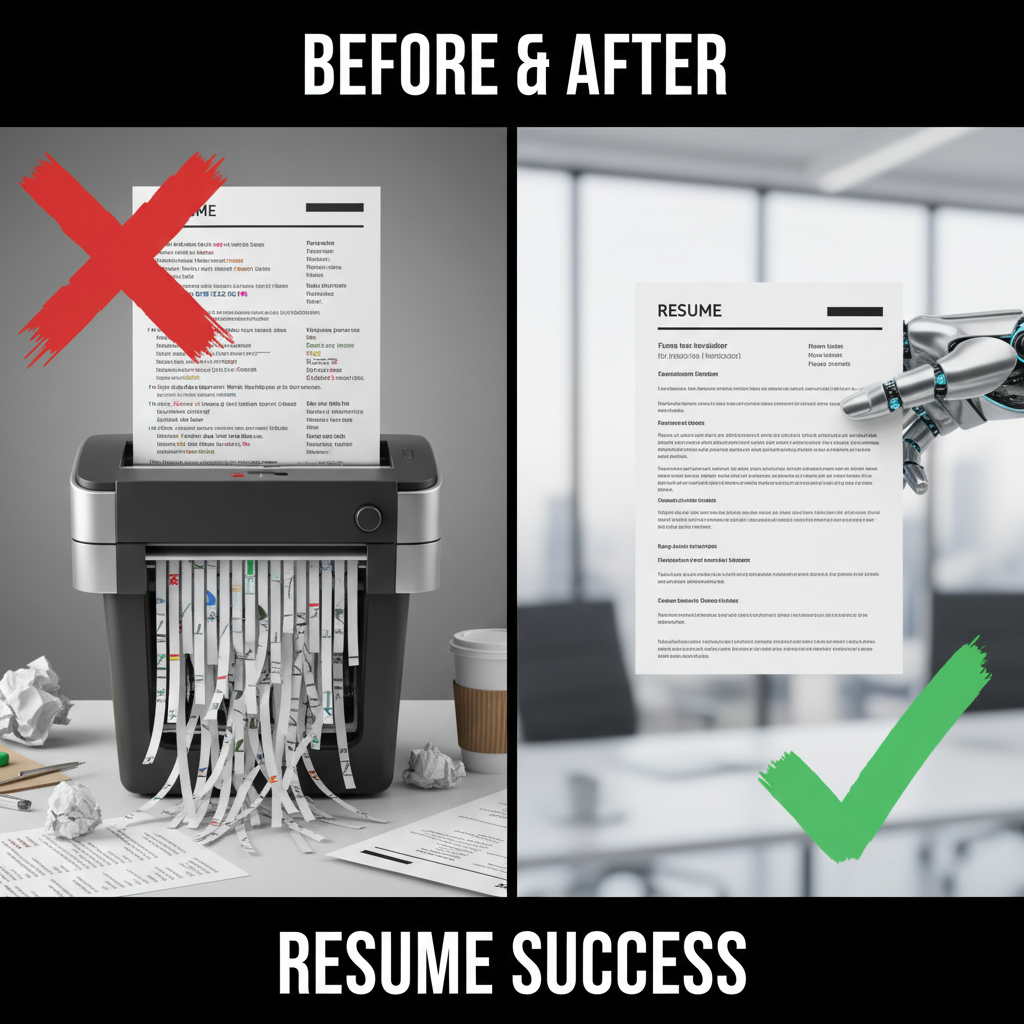
First things first, you need to understand who you’re up against. It’s not just a hiring manager anymore. Your first hurdle is the Applicant Tracking System (ATS). Think of it as a robot bouncer for your resume. It scans your document for keywords, formatting, and specific sections. If it can’t read your resume or doesn’t find what it’s looking for, your application goes straight to the digital graveyard. No human ever sees it.
Here’s why most resumes fail this first test:
- Fancy Formatting: Complicated layouts with tables, columns, or graphics can scramble an ATS’s brain. It can’t parse the information, so it rejects it.
- Wrong Keywords: If the job description asks for ‘digital marketing’ and ‘SEO,’ and your resume only says ‘online promotion,’ the bot won’t make the connection. You need to mirror the language of the job post.
- Unconventional Section Titles: Calling your ‘Work Experience’ section ‘My Professional Journey’ might sound creative, but the ATS is looking for standard headers like ‘Experience,’ ‘Education,’ and ‘Skills.’
The goal isn’t to be boring; it’s to be strategic. The templates below are designed to be ATS-friendly first and visually appealing second. That’s the secret sauce to getting past the robots and into the hands of a decision-maker.
The Ultimate 2024 Arsenal: 5 Free Templates to Land the Interview
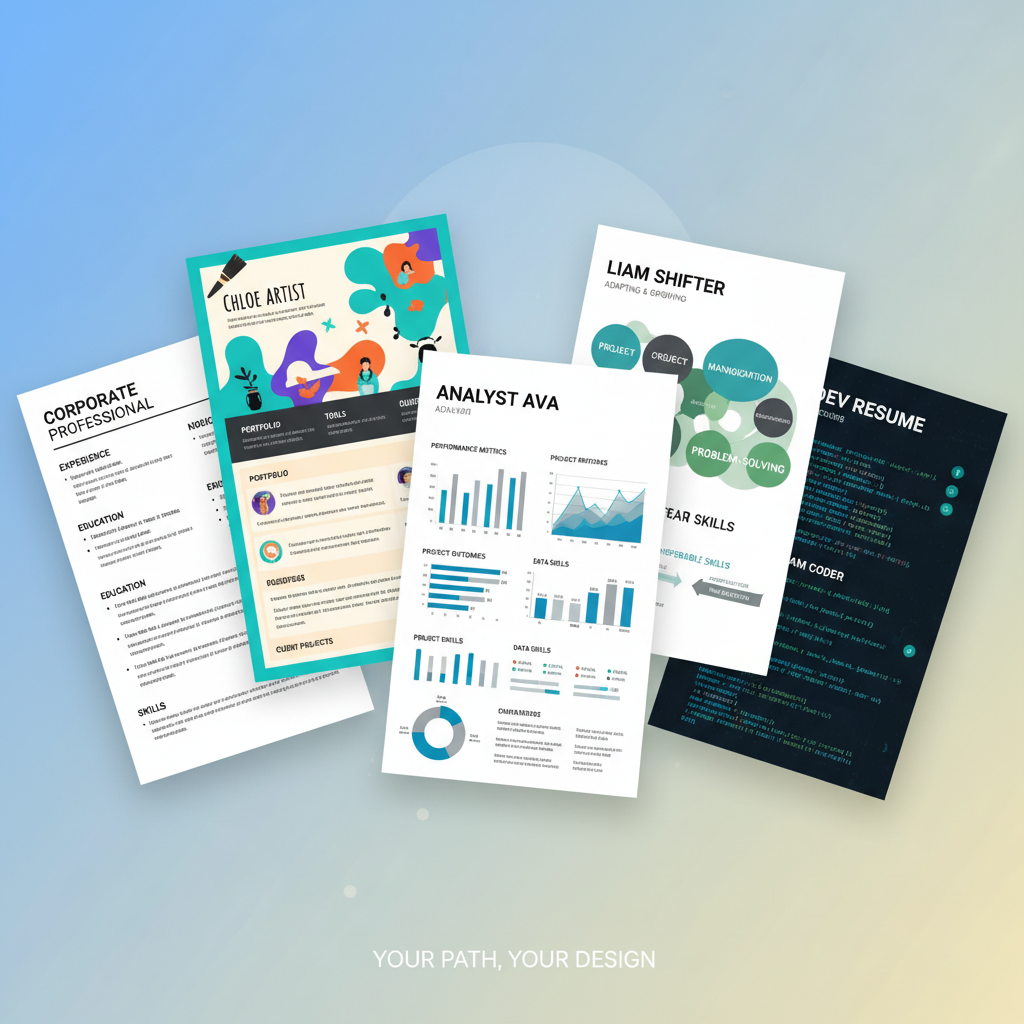
Alright, let’s get to the goods. These aren’t just links; they’re strategies. Each template is a weapon for a specific career battle. Find the one that fits your situation and get ready to deploy it.
1. The ATS Slayer (Google Docs & Microsoft Word)
Best For: Corporate roles, tech, finance, healthcare, and anyone applying to large companies where ATS is a certainty.
Don’t sleep on the classics. The built-in templates in Google Docs and Word are often the most effective because they’re simple. They use standard fonts and a single-column layout that ATS bots can read flawlessly. The key is to pick the right one and customize it for impact.
- The Hack: Search for ‘Serif’ or ‘Simple’ templates in Google Docs. In Word, look for the ‘Modern Chronological Resume.’ These are clean, professional, and 100% scannable.
- How to Use It: Focus on the content. Use strong action verbs (e.g., ‘Orchestrated,’ ‘Accelerated,’ ‘Negotiated’). Quantify your achievements with numbers (e.g., ‘Increased sales by 15% in Q3’). Pack your ‘Skills’ section with keywords from the job description. This is your workhorse resume. It’s not flashy, but it gets the job done.
2. The Visual Knockout (Canva)
Best For: Creative fields like marketing, graphic design, social media management, and roles at modern startups.
When your industry values aesthetics, a plain black-and-white resume won’t cut it. Canva offers a massive library of visually appealing templates that are free to use and customize. You can add a touch of color, a professional headshot (if appropriate for your industry), and use visual hierarchy to draw the reader’s eye to your biggest wins.
- The Hack: Search for ‘Minimalist Professional Resume’ on Canva. Avoid templates with busy backgrounds or multiple columns. Stick to one or two accent colors.
- The Warning: Always, ALWAYS download your Canva resume as a ‘PDF – Standard.’ This flattens the design elements, making it easier for an ATS to read. Test it by copying and pasting the text from the PDF into a plain text editor. If it comes out clean, you’re good to go.
3. The One-Page Powerhouse (Enhancv Free Tier)
Best For: Experienced professionals, project managers, and consultants who need to distill years of experience into a high-impact summary.
You have a ton of experience, but recruiters only give your resume a six-second glance. The goal here is density and impact. A service like Enhancv’s free builder helps you create a resume that focuses on metrics and achievements, not just job duties. It guides you to think like a boss.
- The Hack: Use their free tier to build one killer resume. Focus on their achievement-oriented sections. Instead of saying ‘Managed a team,’ it prompts you to say ‘Led a team of 5 to achieve a 20% increase in productivity.’
- How to Use It: This is for the roles where results are everything. Make sure every single bullet point on your resume answers the question: ‘So what?’ What was the result of your work? Use numbers, percentages, and dollar amounts.
4. The Fresh Start (Functional/Hybrid Template)
Best For: Recent graduates, career changers, or those with employment gaps.
When your work history isn’t your strongest asset, you lead with what is: your skills. A functional or hybrid resume template de-emphasizes the chronological work history and puts a massive spotlight on your skills, projects, and qualifications. You can build this easily in Google Docs or Word.
- The Hack: Create a structure with your ‘Professional Summary’ at the top, followed by a detailed ‘Skills’ section broken into categories (e.g., ‘Technical Skills,’ ‘Marketing Skills’). Then, list your relevant projects or freelance work. Your ‘Work History’ comes last and is brief.
- How to Use It: This format lets you control the narrative. If you’re switching from retail to tech, you can highlight the coding boot camp projects you completed and your Python skills, rather than leading with your cashier experience.
5. The Tech Titan (JSON Resume)
Best For: Software developers, data scientists, and IT professionals.
For the tech-savvy crowd, this is the ultimate flex. A JSON resume is a standardized, machine-readable resume format. You create a simple text file with your information, and it can be automatically rendered into a beautiful HTML webpage, a PDF, or even a plain text file. It shows you’re not just in tech—you *get* tech.
- The Hack: Go to JSONResume.org. Follow the simple schema to create your resume.json file. You can host it for free on GitHub Pages.
- How to Use It: Put the link to your live resume in your email signature and on your LinkedIn profile. It’s a massive green flag for tech recruiters and shows you’re ahead of the curve. It’s the definition of ‘show, don’t tell.’
The Payoff: Turning a Free Template Into a $10,000+ Raise

You might think, ‘It’s just a resume.’ But that piece of paper is the single most important tool for increasing your income. A better resume doesn’t just get you *a* job; it gets you a *better* job. A better job means better pay, better benefits, and better opportunities. The ROI on the hour you spend upgrading your resume is astronomical.
Let’s do the math. The average raise when switching jobs is between 10-20%. Even a conservative 5% bump makes a huge difference. You’re not just chasing a paycheck; you’re building wealth. That free Google Docs template is a high-yield investment vehicle.
| Current Salary | New Salary (5% Raise) | Annual Gain | 5-Year Gain (No Other Raises) |
|---|---|---|---|
| $50,000 | $52,500 | $2,500 | $12,500 |
| $75,000 | $78,750 | $3,750 | $18,750 |
| $100,000 | $105,000 | $5,000 | $25,000 |
This isn’t fantasy money. This is the direct result of presenting yourself as a high-value candidate. Your resume is the advertisement for Brand You. A premium ad commands a premium price.
The Script: How to Get Your New Resume in Front of Real Humans
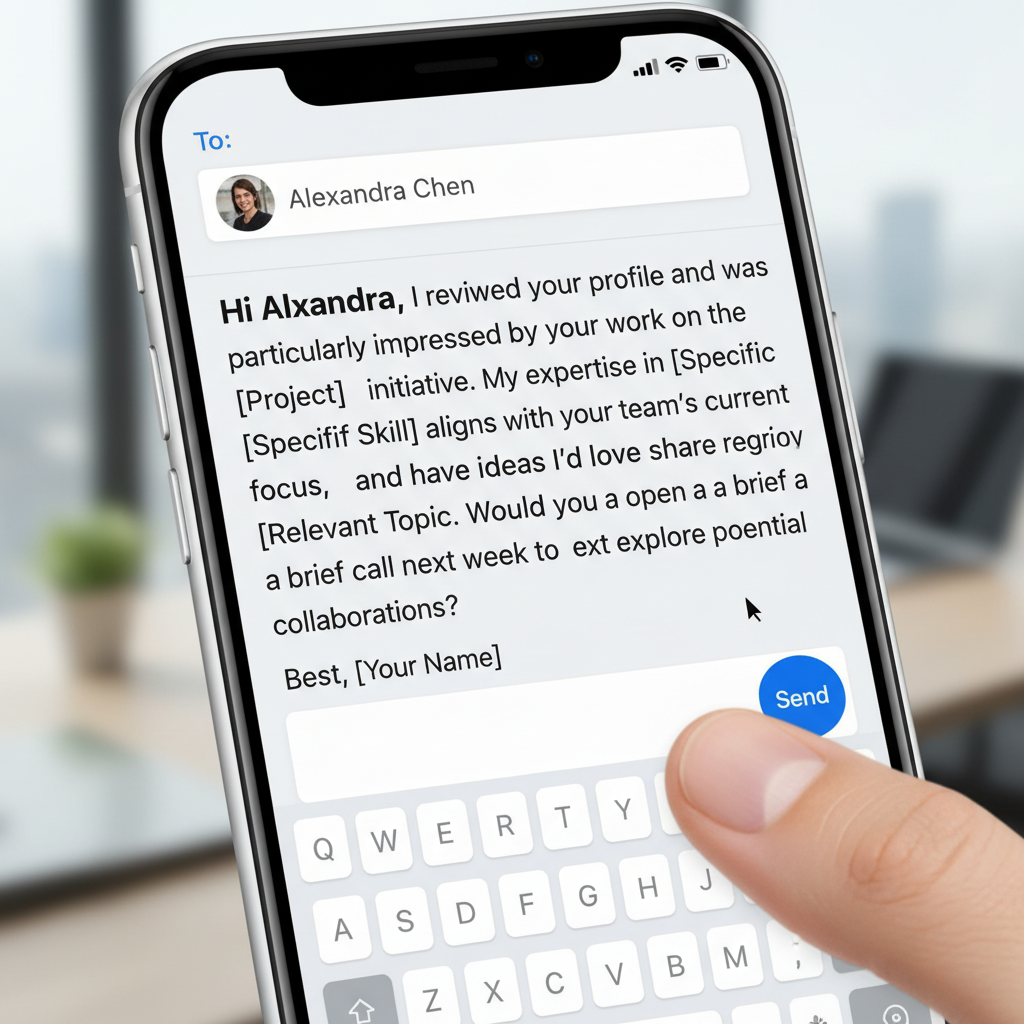
Having a killer resume is half the battle. The other half is getting it seen. Don’t just rely on the ‘Easy Apply’ button. Go on the offensive. Find the recruiter or hiring manager for the role on LinkedIn and send them a direct, professional message. This move alone will put you ahead of 90% of other applicants.
Here’s a no-fluff script you can steal and adapt. It’s short, respectful, and gets straight to the point.
Hi [Recruiter Name],
I saw the [Job Title] opening at [Company], and my experience in [Skill 1] and [Skill 2] seems like a strong match for what you’re looking for.
My resume, attached here, details how I recently [mention a key achievement with a number, e.g., ‘drove 25% growth in user engagement’].
I know you’re busy, but I’m confident I can bring significant value to your team. Are you available for a brief chat next week?
Best,
[Your Name]
This script works because it’s not a generic plea. It shows you’ve done your research, highlights your value immediately, and makes it easy for them to say yes. You’re not just another applicant; you’re a proactive problem-solver.
Scam Warning: Don’t Get Played by ‘Free’ Resume Builders

A quick but critical warning. The internet is littered with resume websites that promise the world for free. They have slick interfaces and let you pour your heart and soul into building the ‘perfect’ resume. You spend an hour inputting all your information, picking a design, and tweaking every line. Then, when you finally click ‘Download,’ you’re hit with a paywall. $29.99 to download your own information. Some even trick you into a recurring subscription.
THE RULE: If a website doesn’t let you download a PDF or .txt file of your resume without asking for a credit card, it’s not free. It’s a trap. They are banking on your ‘sunk cost fallacy’—you’ve already invested the time, so you’re more likely to pay up. Don’t do it. Close the tab. The resources mentioned in this guide—Google Docs, Word, Canva’s free assets, and others—are genuinely free and more powerful because you’re in complete control.
Your job search is stressful enough without getting scammed. Stick to trusted, truly free tools and keep your wallet in your pocket.
Conclusion
The power to land your dream job isn’t locked behind a paywall. It’s in your strategy, your hustle, and your ability to use the powerful free tools at your disposal. You now have five proven resume blueprints that can get you past the robot gatekeepers and in front of the people who matter. You have the script to proactively reach out and take control of the process. And you have the knowledge to spot and avoid the scams that prey on hopeful job seekers.
Stop letting your resume be an afterthought. See it for what it is: the key that unlocks your next chapter and your next pay raise. Pick a template, customize it with your wins, and start applying with the confidence of someone who knows they have the goods. Now go get that job.