Hack-Proof Your Life: The Free Cybersecurity Checklist Everyone Needs
Let’s get real. You hustle hard for every dollar. You clip coupons, you hunt for deals, you grind on your side gig. So why are you leaving your digital front door wide open for any scammer to walk in and take it all? Getting hacked isn’t just an inconvenience; it’s a financial disaster waiting to happen. We’re talking drained bank accounts, stolen identities, and a mountain of stress that can derail your goals for months, even years.
Forget the complicated tech jargon. This isn’t for IT pros; it’s for people who value their money. Think of this as your street-smart guide to building a digital fortress around your finances. It’s the free, no-fluff checklist that puts you back in control. You work too hard to let some keyboard crook get the upper hand. It’s time to hack-proof your life and protect your wallet.
Lock It Down: Your Password & Authentication Game Plan
Lock It Down: Your Password & Authentication Game Plan
Your password is the front door key to your entire digital life. Using ‘Fluffy123’ for everything is like leaving that key under the welcome mat. The first rule of protecting your money online is having a lock that crooks can’t pick. This is non-negotiable.
The Password Problem
Most people use weak, memorable passwords and, worse, reuse them across multiple sites. When one of those sites gets breached (and they all do eventually), hackers take that list of emails and passwords and try them everywhere—your bank, your email, your Amazon account. It’s a goldmine for them and a nightmare for you.
The Solution: Your Digital Locksmith
Stop trying to remember dozens of complex passwords. It’s a losing game. It’s time to hire a professional, and the best part is, many of them work for free.
- Get a Password Manager: This is the single best thing you can do for your security. A password manager is a secure vault that creates and stores ridiculously strong, unique passwords for every single account you have. You only need to remember one master password to unlock the vault. Top-tier, street-smart choices include Bitwarden (fantastic free option) and LastPass.
- The Unique Password Rule: Every. Single. Account. Needs. Its. Own. Password. No exceptions. Let the password manager do the heavy lifting.
- Length and Complexity: Think pass-phrases, not passwords. ‘Correct horse battery staple’ is infinitely stronger and easier to remember than ‘Tr0ub4d&r!’. Aim for at least 16 characters.
Level Up with Two-Factor Authentication (2FA)
Think of Two-Factor Authentication (2FA) as the big, burly bouncer standing behind your front door. Even if a thief steals your key (password), they can’t get past the bouncer. When you log in, the site sends a unique, temporary code to your phone or an authenticator app. Without that code, no one gets in. It’s a simple step that blocks 99.9% of automated attacks.
Key Rule: Turn on 2FA for every important account you have, especially your email, bank, and any payment apps like PayPal or Venmo. Your email is the master key—if a hacker gets in there, they can reset the passwords for everything else. Protect it like gold.
The Scammer’s Playbook: How to Spot Phishing Before It Bites
The Scammer’s Playbook: How to Spot Phishing Before It Bites
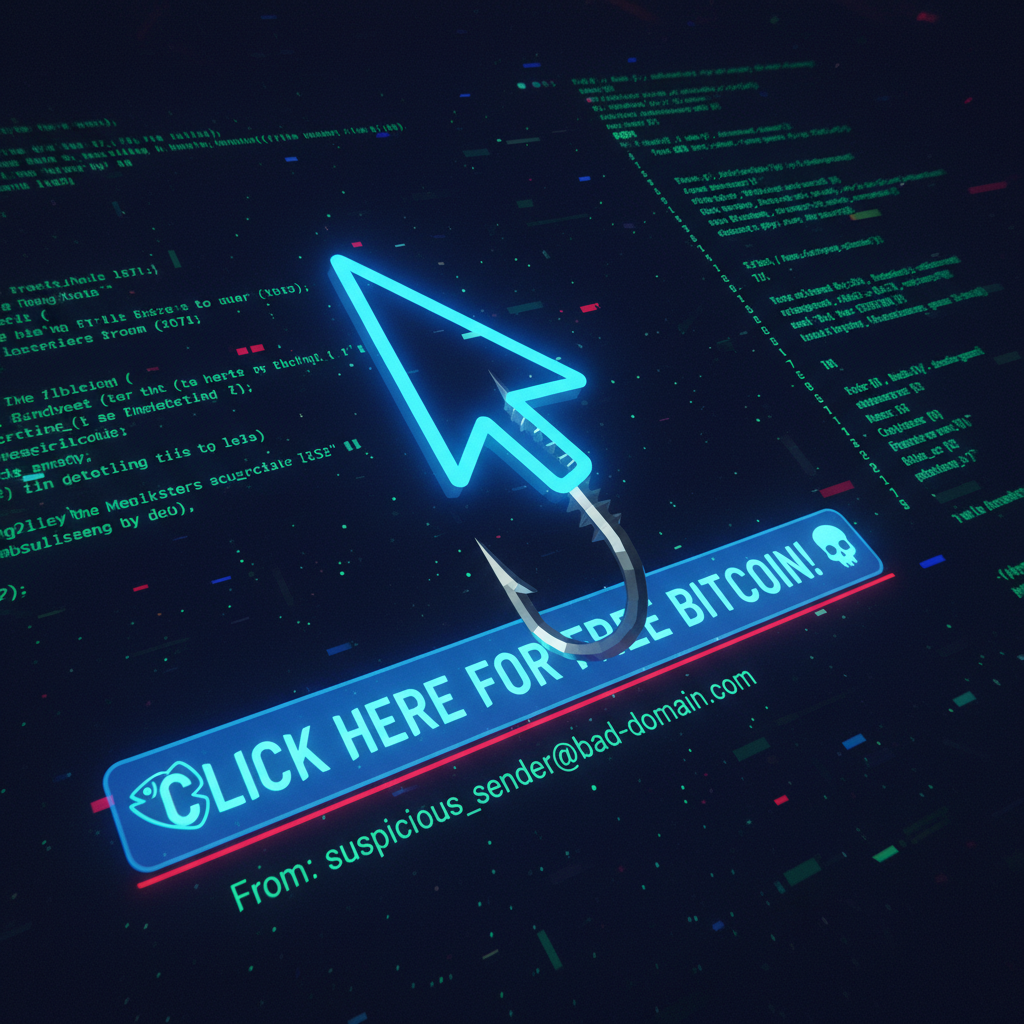
Hackers know it’s often easier to trick you into giving them the keys than it is to break down the door. This con is called ‘phishing,’ and it’s how most people get their accounts compromised. They send you an email or a text that looks legit, preying on your fear or curiosity to get you to click a bad link or give up your login info.
Recognizing the Bait
Scammers are getting slick, but they almost always leave clues. You just need to know what you’re looking for. Train your eyes to spot these red flags:
- A Sense of Urgency or Fear: They’ll say your account is locked, a suspicious payment was made, or you’ll lose access to something if you don’t act NOW. They want you to panic, not think.
- Generic Greetings: Your bank knows your name. An email that starts with ‘Dear Valued Customer’ is a huge red flag.
- Weird Sender Address: Hover your mouse over the sender’s name. Does the email address look right? Scammers often use addresses that are close, but not exact (e.g., ‘support@amazon-billing.net’ instead of ‘@amazon.com’).
- Suspicious Links & Attachments: Never click a link or download an attachment from an unexpected email. Again, hover over the link to see the actual web address it’s going to. If it looks sketchy, it is.
- Bad Grammar & Spelling: While some scammers are getting better, many phishing emails are still full of typos and awkward phrasing.
Scam Warning: A Classic Phishing Email
Subject: URGENT: Suspicious Login Attempt on Your Account
Dear User,
We detected a login to your account from an unrecognized device in Russia. If this was not you, please click here immediately to secure your account: [link to a fake website]
If you do not verify your account within 24 hours, it will be permanently suspended for security reasons.
Thank You,
The Security Team
See the playbook? Urgency (‘URGENT’, ‘permanently suspended’), fear (‘unrecognized device in Russia’), and a call to action (‘click here immediately’). Don’t fall for it. If you’re worried, go directly to the company’s website by typing the address yourself and log in there. Never use the link in the email.
Public Wi-Fi Is a Trap: Secure Your Connection on the Go
Public Wi-Fi Is a Trap: Secure Your Connection on the Go
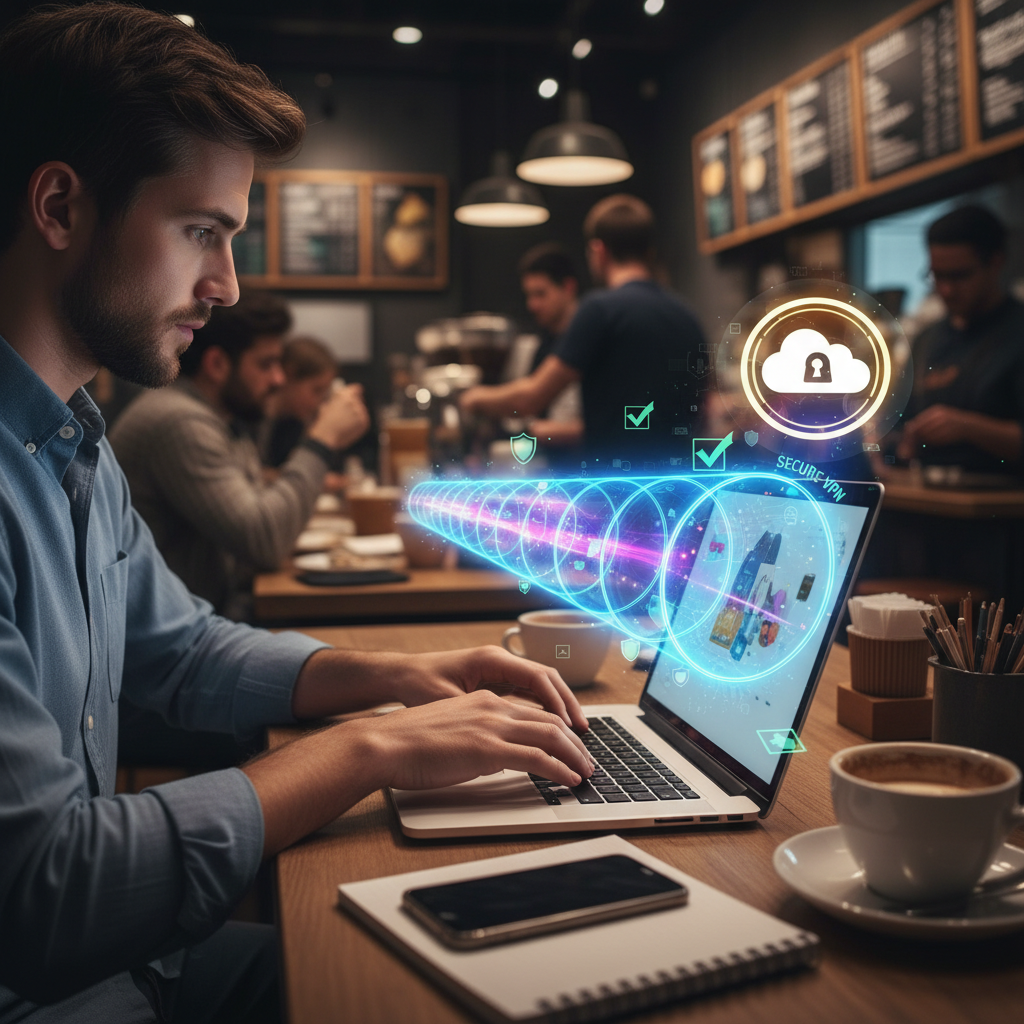
Working on your side hustle at the local coffee shop feels like a frugal win, but that ‘free’ Wi-Fi could cost you a fortune. Public networks are a playground for hackers. They are often unencrypted, meaning a snooper on the same network can easily see what you’re doing—including the passwords you’re typing and the financial information you’re sending.
The ‘Man-in-the-Middle’ Attack
One of the most common threats is the ‘Man-in-the-Middle’ attack. A hacker sets up a fake Wi-Fi hotspot with a convincing name like ‘CoffeeShop_Guest_Wi-Fi’. You connect, thinking it’s legit, but you’re actually sending all your data directly through the hacker’s laptop. They can capture everything.
Your Personal Bodyguard: The VPN
A Virtual Private Network (VPN) is your personal, encrypted tunnel through the internet. When you turn it on, all your data is scrambled before it even leaves your device. Even if you’re on a sketchy public network, all a snooper would see is gibberish. For a side hustler or anyone managing their finances on the go, a VPN isn’t a luxury; it’s a basic business expense.
The Math of Prevention
Think a VPN is too expensive? Let’s break it down. A decent VPN service might cost you $5 to $10 a month. Now, consider the cost of having your bank account compromised. According to industry reports, the average financial loss from an account takeover is over $1,000, not to mention the dozens of hours you’ll spend on the phone with your bank, changing passwords, and cleaning up the mess. You’d have to pay for a VPN for over a decade to equal the cost of one bad incident. The choice is obvious. Look into reputable providers like ProtonVPN or NordVPN.
Key Rule: Never, ever access your bank account, send an invoice, or enter any password on a public Wi-Fi network without a VPN running. No exceptions.
Financial Firewalls: Bulletproof Your Banking & Shopping Habits
Financial Firewalls: Bulletproof Your Banking & Shopping Habits
Protecting your digital life is all about protecting your money. This is where we get down to brass tacks and build some serious firewalls around your financial accounts. These are simple habits that make a massive difference.
Turn on Every Alert
Log into your bank and credit card accounts right now. Find the ‘Alerts’ or ‘Notifications’ section and turn everything on. You should get a text or email for:
- Every purchase, no matter how small.
- Any login from a new device.
- Any password change.
- Any transfer over $1.
Why? Because the first sign of fraud is often a small, weird charge. If you get an alert for a coffee you didn’t buy, you can shut down the card immediately before the fraudster goes on a shopping spree. This is your real-time alarm system.
The Nuclear Option: A Credit Freeze
A credit freeze is the most powerful tool you have to prevent identity theft. It locks down your credit file so that no one (including you) can open a new line of credit in your name. If a scammer has your social security number and tries to open a credit card, the application will be denied. It’s free to freeze and unfreeze your credit with all three major bureaus (Equifax, Experian, and TransUnion). It takes about 15 minutes to set up and can save you from financial ruin.
Shop Smarter, Not Harder
Online shopping is a minefield if you’re not careful. Follow these rules:
- Look for the Lock: Only ever enter payment information on sites that start with ‘https://’ and have a padlock icon in the address bar. This means the connection is encrypted.
- Credit Over Debit: Use a credit card for online purchases whenever possible. Credit cards offer much stronger fraud protections. If a charge is fraudulent, it’s the bank’s money that’s on the line, not yours. With a debit card, the cash is gone directly from your account, and it can be a battle to get it back.
- Avoid Storing Card Info: It’s convenient, but if that online store gets breached, your card information is exposed. Manually entering your details is a small price to pay for security.
Conclusion
Look, you’re in the business of building a better financial future. You can’t afford to take a step back because of a preventable digital disaster. Cybersecurity isn’t some abstract concept for corporations; it’s a fundamental part of modern money management. It’s about being proactive, not paranoid.
You’ve got the checklist now. You have the street smarts. Using a password manager, spotting phishing scams, securing your Wi-Fi, and locking down your financial accounts are the four pillars of your new digital fortress. These aren’t just tips; they are the new rules of the game. You work too hard for your money to let anyone else get their hands on it. Now go lock it down.